Search for the best digital menu and you mostly find pages from QR code vendors ranking their own product first. What they tend to leave out: what German law requires, what happens to printed codes after you cancel, and when a plain PDF is completely fine.
Plainly said: NFCeez makes a digital menu, so this guide is not neutral.
What must the best digital menu do?
The best digital menu is easy to read one-handed on a phone and takes you seconds to change. If either is missing, no extra feature helps. These are the criteria, most important first:
- Readable on a phone: no zooming, no download, fast even on a weak signal.
- Quick to change: update a price or hide a dish from your phone, with no new file and no call to the provider.
- Allergens on the dish: where guests look for them, not in a separate list. And only online once you have confirmed them, because only your kitchen knows your recipes.
- No hurdles for guests: no app, no account.
- Languages: if you get many guests from abroad.
- Light on data: no trackers that force a cookie banner.
- A way out: you can take your data with you, and codes keep working.
PDF, menu builder or linked to the till: what's the difference?
The difference is where the menu is kept and how well it works on a phone. A PDF is your paper menu as a file, a builder is a true phone page, and a till-linked menu comes straight from the items in your till.
| PDF behind a QR code | Menu builder | Till-linked | |
|---|---|---|---|
| Reading on a phone | Often needs zooming | Built for the phone | Depends on the provider |
| Changing a price | Upload a new file | Straight away in the editor | Once in the till, applies to both |
| Allergens, filters, search | Text only | Usually on the dish, often with search | Depends on the till |
| Languages | One file per language | Often built in | Depends on the provider |
| Ordering at the table | No | Some yes, some no | Often yes |
| Cost, in general | Very low | Usually a monthly subscription | Usually an add-on or part of a till package |
| Fits | A small menu that rarely changes | A menu with changes, allergens or languages | Places with table ordering and a matching till |
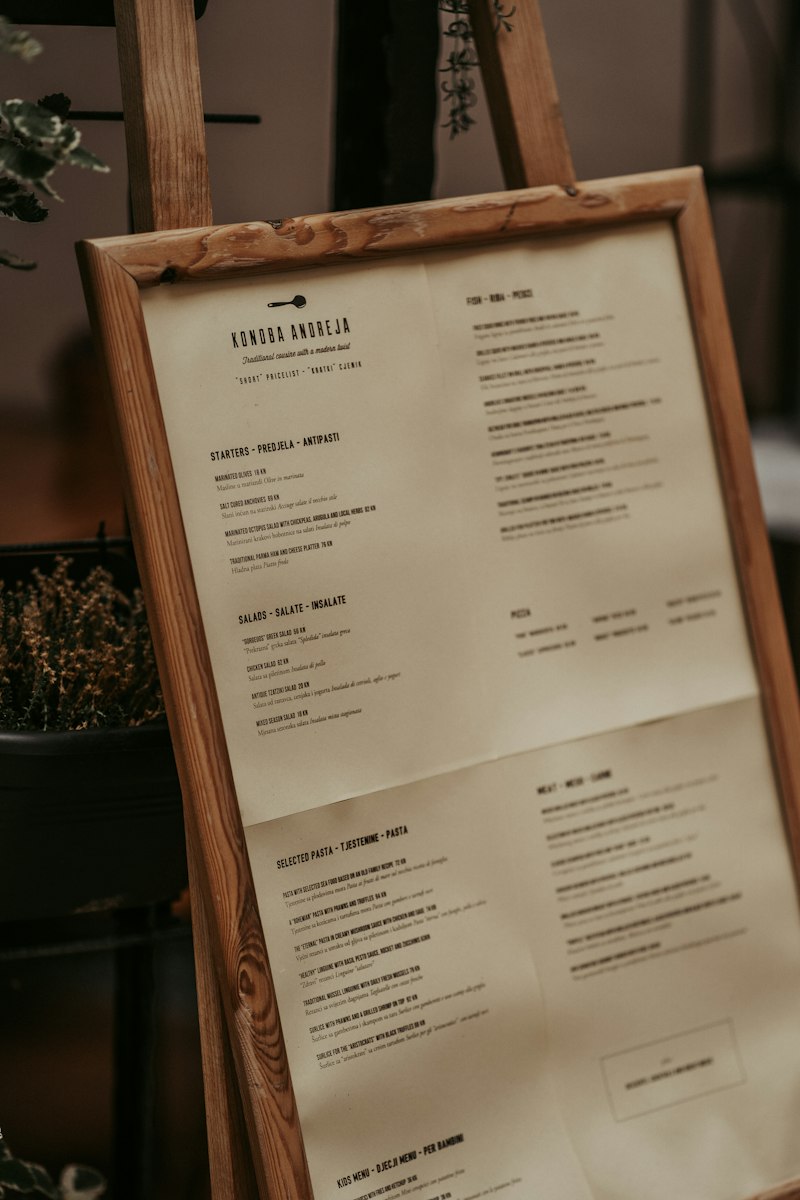
A PDF isn't a mistake. Bäckerei Hafenkorn, a made-up example, has twenty items and changes them twice a year: that's fine. Restaurant Laterne, also made up, changes its daily menu every week and gets many tourists: a PDF soon becomes a burden. How to build a menu is in how to create a digital menu, and the QR version in QR code menus.
What does the law require of a digital menu in Germany?
German law doesn't ban digital menus, but it requires visible prices and accessible allergen information. Three rules matter.
- Prices: section 13 of the Price Indication Regulation requires a price list on the tables, displayed legibly or shown to each guest before ordering, plus a notice next to the entrance. The text doesn't name a QR-only setup. So keep a printed menu ready, and ask your chamber of commerce (IHK) if unsure.
- Allergens: section 4 of the LMIDV, the German food information regulation, allows electronic information if it's directly and easily accessible. You must then point this out at the food or with a notice on site. Your local food authority (Lebensmittelüberwachung) can help, and the details are in allergens on the menu.
- Cookies: under section 25 TDDDG, storing or reading information on a guest's device needs consent unless it's strictly necessary for the service they asked for. Ask whether your menu works with no banner.
Not every guest wants to read digitally. In a 2024 Bitkom survey of 1,005 people aged 16 and over in Germany, 42 percent wanted to be able to view the menu digitally in every place. That's many, not a majority. The same survey found 53 percent look online before visiting a new place, and 65 percent of those aged 16 to 29. So the menu also has to be reachable outside the restaurant. These are surveys, not measurements in restaurants.
What happens to the QR code if you cancel?
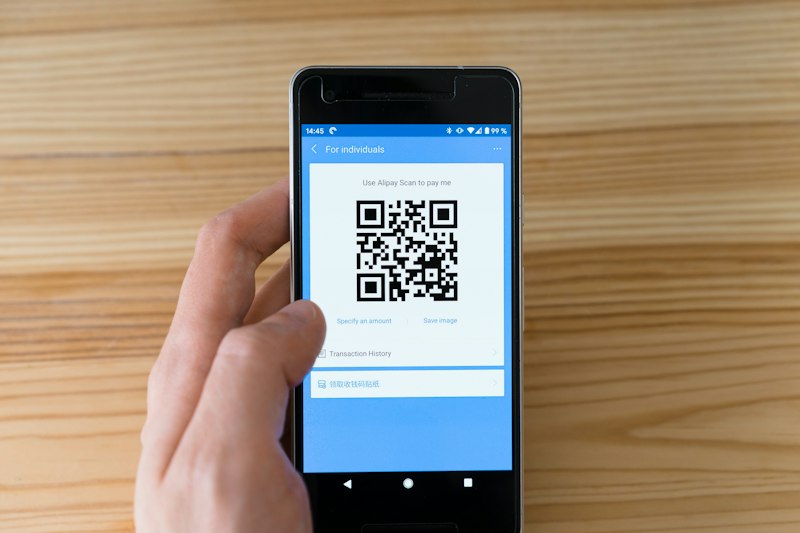
That depends on the provider, and you should ask before printing. Often the code points to an address owned by the provider. After you cancel, the code can lead nowhere, and every printed sticker on every table becomes worthless. So ask:
- Which address does the code point to, and can I change it?
- How long do you keep redirecting after I cancel?
- Do I get the menu back as a file, with allergens and prices?
Check the other direction too: will a new provider bring in your old data, or do you retype it all? When you switch, every dish counts. Whether a code or an NFC sticker suits you better is in NFC or QR code.
How much do AI and translation matter?
AI is handy for reading in your menu, but it's only as good as your check afterwards. Especially with allergens and prices, the responsibility stays with you. Ask whether you can review every suggestion before it goes online and whether changes are clearly visible. More in create a menu with AI.
Translation pays off mainly with many guests from abroad. Machine translation is fast but can get dish names wrong. Check your main dishes in a language you read yourself, with help from someone who speaks it well. Details are in translate your menu.
Isn't the menu on Google enough?
A menu on Google helps but doesn't replace your own. Google lets you add a menu with sections, dishes and prices in your Business Profile, plus a menu link and photos. Add the link to your current menu there and check the result on a phone. Someone already at the table won't enjoy starting with a Google search.
What does a digital menu cost?
A PDF costs almost nothing but your time, a builder usually a monthly subscription, and a till-linked menu is often part of a till package. The hidden costs are time and mistakes: how long does a price change take, and how often does the old menu stay online? Add up all fees over three years and ask whether there are extra charges per language, scan, dish or AI use.
- Can I change a price in under a minute on my phone? Show me.
- Does the menu load fast on an older phone with a weak signal?
- Are allergens on the dish, and can I review every suggestion?
- Does the menu need a cookie banner?
- What does everything cost together over 36 months, including per language or scan?
- What happens to QR codes and data after I cancel?
- Does the guest have to install anything or sign in?
How do you get your paper menu onto phones without retyping it?
This is how it works with the NFCeez menu, which is a menu builder. You take photos of your menu in the app or upload a PDF of up to 20 pages. You answer three yes or no questions: descriptions, recommendations, photos. The AI reads every page twice and asks you when a price stays unclear. You go through the dishes, confirm the allergens that came from the AI, and publish. Guests open the menu with no app on your Smart Page, with search and in 25 languages. When a price changes, you change it on your phone. The page needs no cookie banner.
The limits: the menu isn't a till, takes no payments and isn't an ordering system. At most, guests put together a list and show it to your staff. You keep prices separately from the till. If you want ordering by phone at the table, you need something else. You need a till either way: in Germany, electronic tills need a TSE security device under section 146a of the Fiscal Code and the KassenSichV.
How can you test a menu in ten minutes?
Scan your current menu with the oldest phone on your team, turn off Wi-Fi and look for a dish with nuts. Then change a price and see how long it takes to show online. Run the same test with every provider you look at, and take the menu that annoys you least.
How NFCeez does thisFrom a photo to a menu you check yourself.You photograph the menu, answer three questions and confirm the allergens. After that you change prices from your phone, and guests read the menu with no app in their own language.See how it works- § 13 Preisangabenverordnung
- § 4 Lebensmittelinformations-Durchführungsverordnung (LMIDV)
- § 25 TDDDG
- Bitkom: Restaurants und Cafés, Online-Bewertungen entscheidend (2024)
- Google Business Profile Help: Get started with a Business Profile for your restaurant
- § 146a Abgabenordnung
- Kassensicherungsverordnung (KassenSichV)