Business

Guests become regulars.

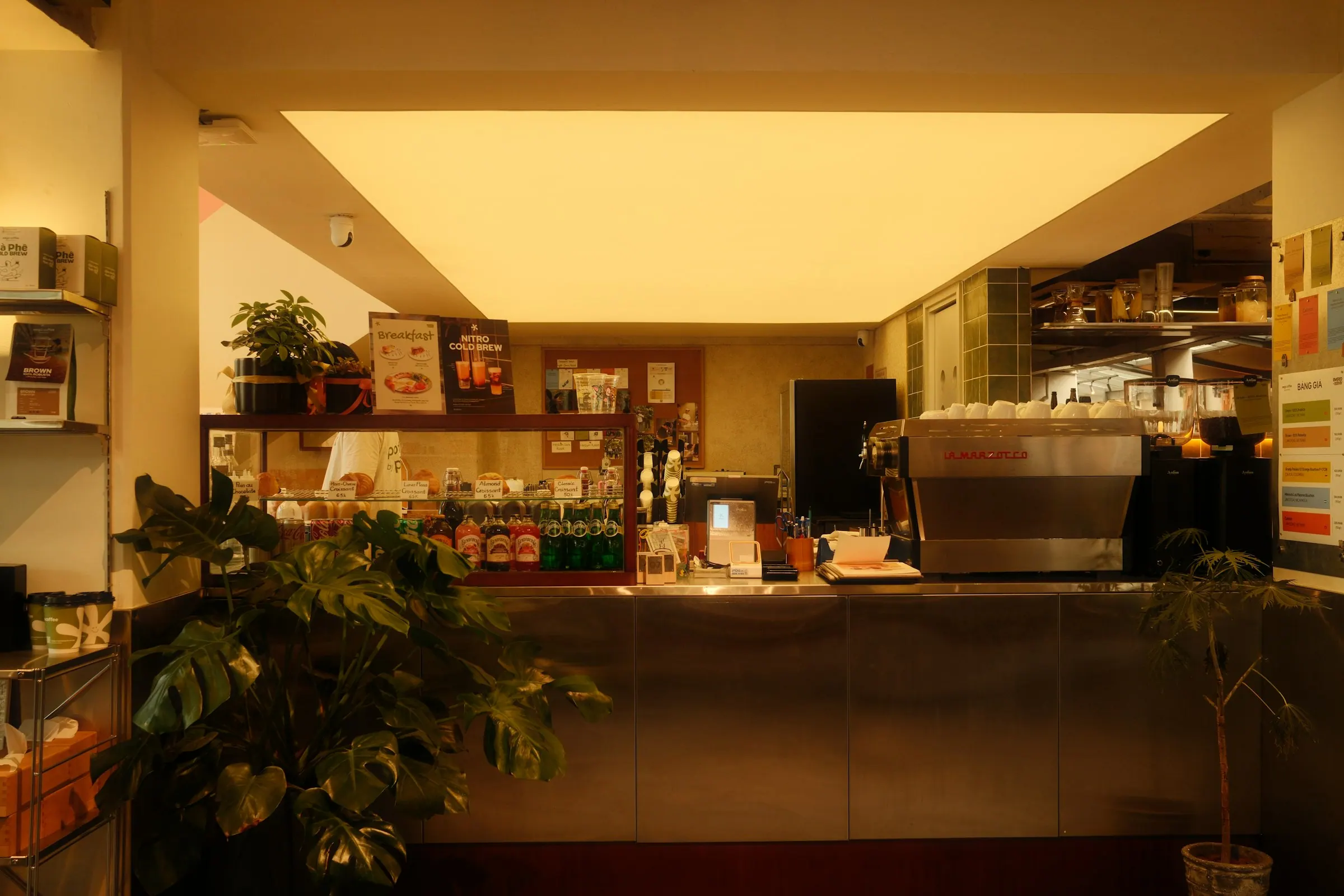
The counter of a café

For cafés where people know each other.

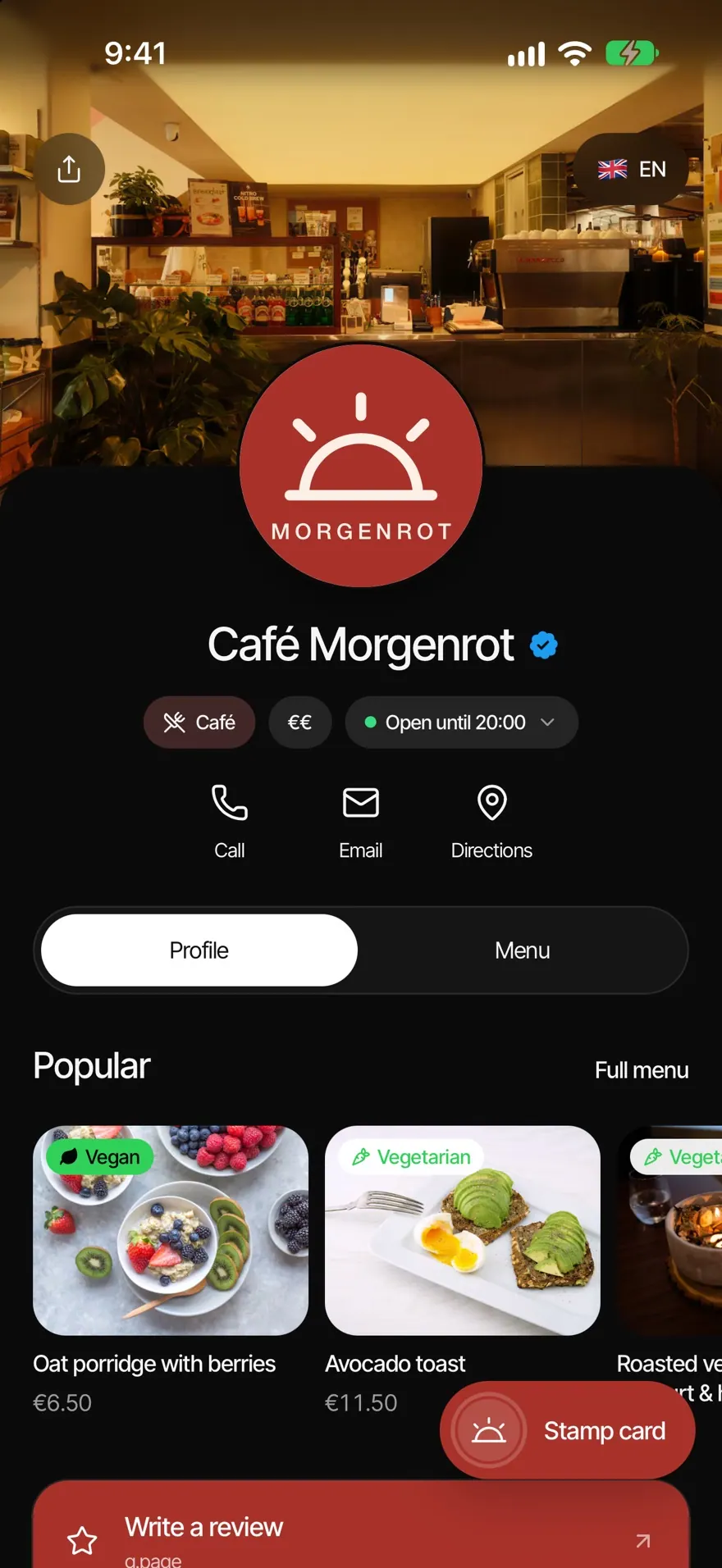
The coffee stamp card in the Wallet, the menu with allergens and vegan options and the way to your Google review, with one tap at the table.

A morning with NFCeez.

  1. 01

    The guest sits down

    One tap on the NFC sticker opens your Smart Page with the menu and opening hours.

  2. 02

    The coffee is paid

    You scan the stamp card in the Wallet. One more stamp.

  3. 03

    The guest leaves

    Happy? The link to your Google review sits right at the top.

What a café gets out of it.

The tenth cup is on the house.

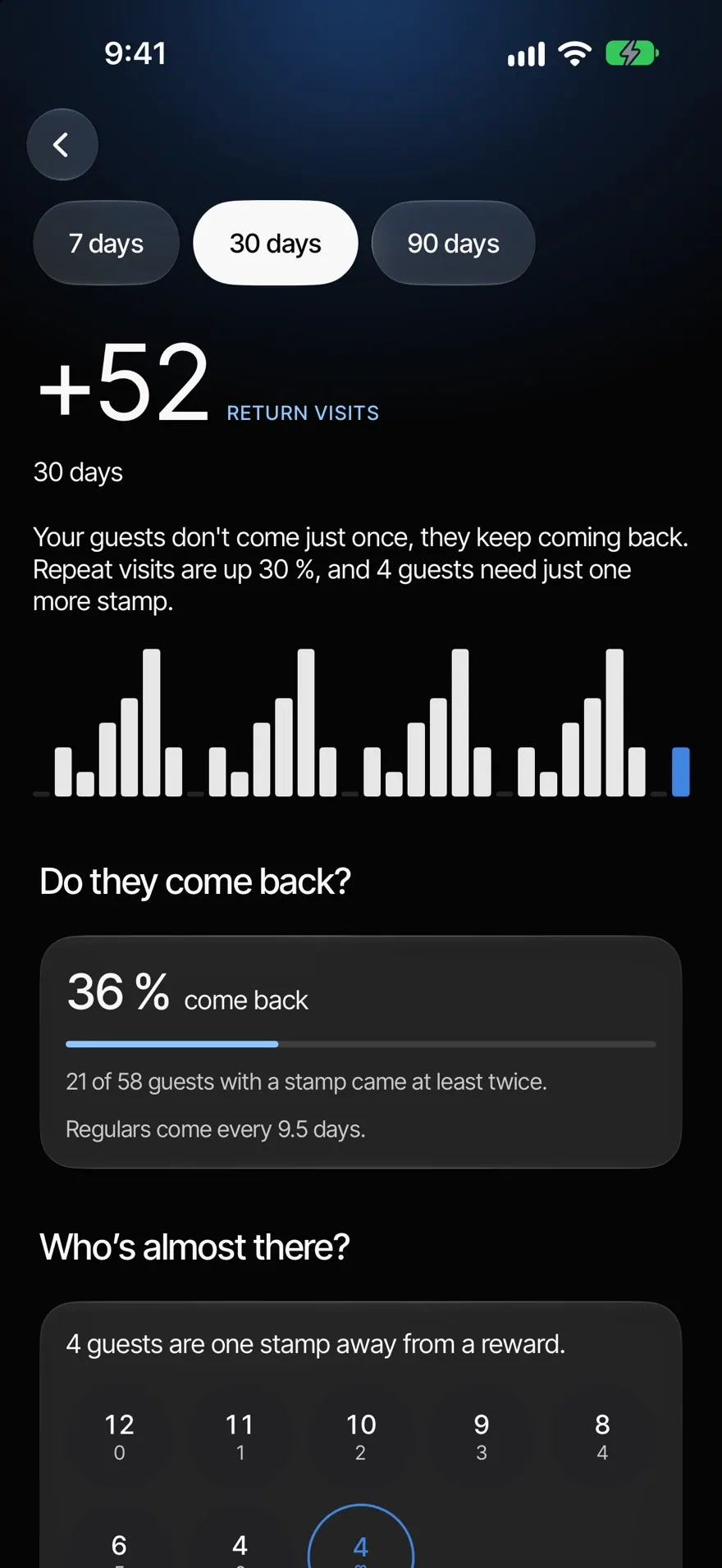
The coffee card sits in Apple Wallet and Google Wallet. Your guests collect stamps, and you see who comes back and who is just one stamp away.

  • Coffee card in the Wallet
  • Double stamps on days you choose
  • See who comes back

Oat milk? It’s on there.

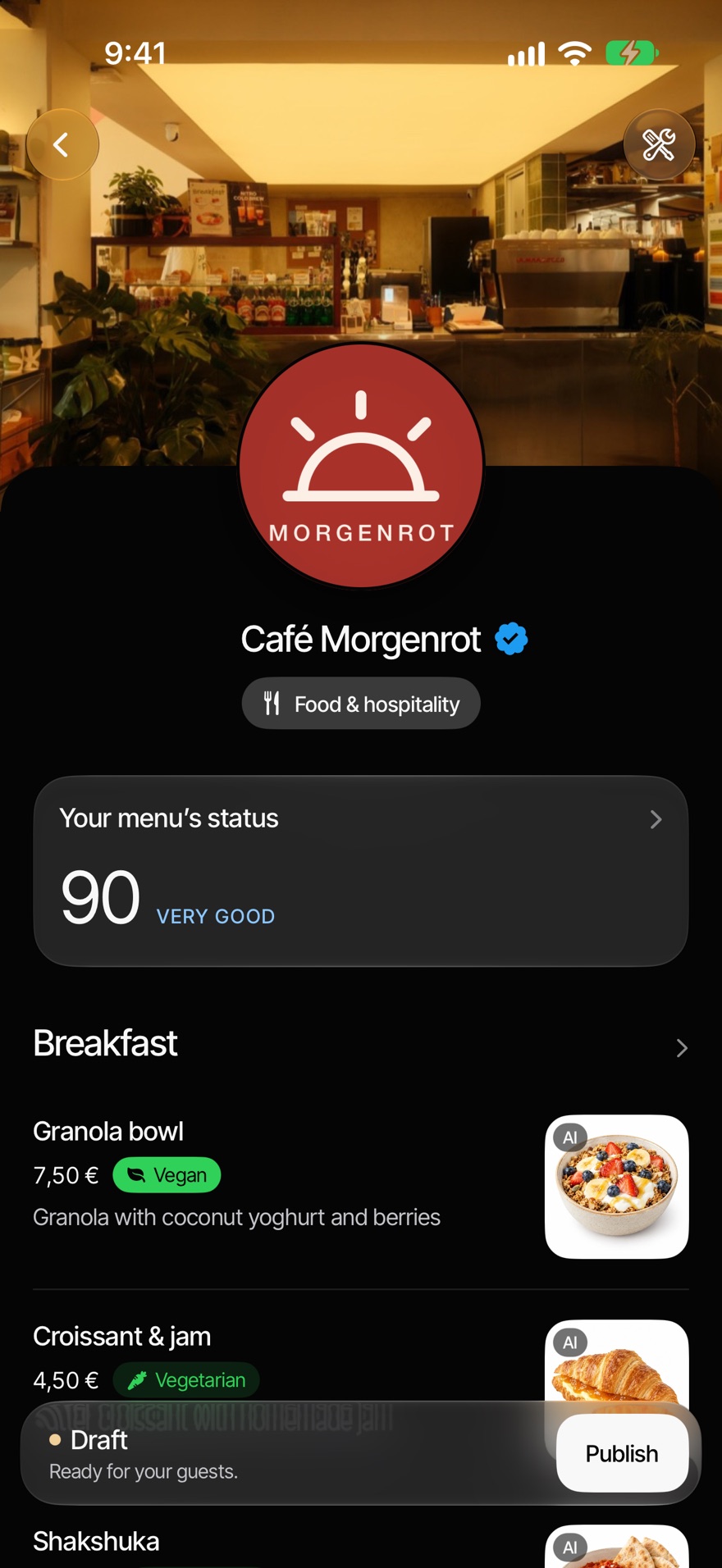
Upload your menu as a photo or PDF. Vegan, vegetarian and allergens sit right on the dish, and guests find everything through search.

  • Menu by photo or PDF
  • Vegan and allergens on the dish
  • Search across the whole menu
A guest smiles in a café, her phone in her hand

More reviews, without asking.

The link to your Google review sits at the very top of your Smart Page. An NFC sticker on the table does the rest.

  • Review link comes first
  • NFC and QR code at the table
  • See how often it was tapped

Questions from cafés.

Your question isn’t here? Write to us, we answer personally.

Write to us
  1. Your guests add the card to Apple Wallet or Google Wallet. With every coffee you scan the card in the app and confirm the stamp.

  2. Yes. Vegan, vegetarian and allergens sit right on the dish in your menu.

  3. No. The Smart Page and the menu open in the browser, the stamp card lives in the Wallet.

  4. The Smart Page is free with Basic. The stamp card, menu and bookings are part of Revenue+.

What cafés use most.

All features