
Business

Guests become regulars.

One tap at the table. And it’s all open.

An NFC sticker on the table, at the counter or by the till, an NFC card to hand out: your guests hold their phone to it and land on your Smart Page. Anyone who doesn’t use NFC scans your QR code.

  • No appMost current smartphones read NFC on their own.
  • With a QR codeAnyone who doesn’t use NFC simply scans the code.
  • Connected with your phoneHold your phone to the sticker or card, and the product belongs to your business.
  • Every tap countsYou see how often it was tapped and how often it was scanned.

From table to page in three steps.

  1. 01

    Put it up or hand it out

    Stickers on the table, at the counter or by the till, cards in your guests’ hands: wherever their phone already is.

  2. 02

    Connect with your phone

    In the app under Products, hold your phone to the sticker or card. From then on the product belongs to your business for good.

  3. 03

    Guests tap

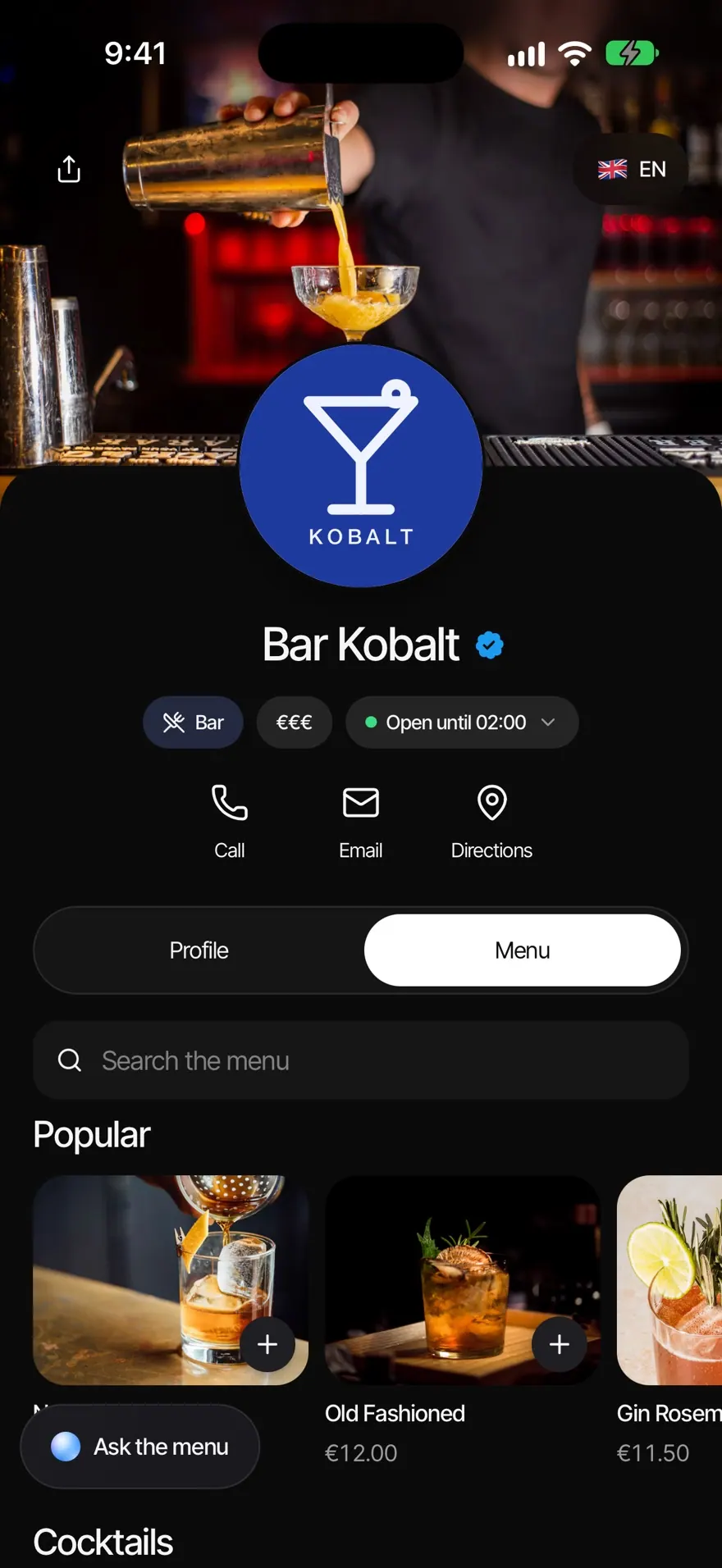
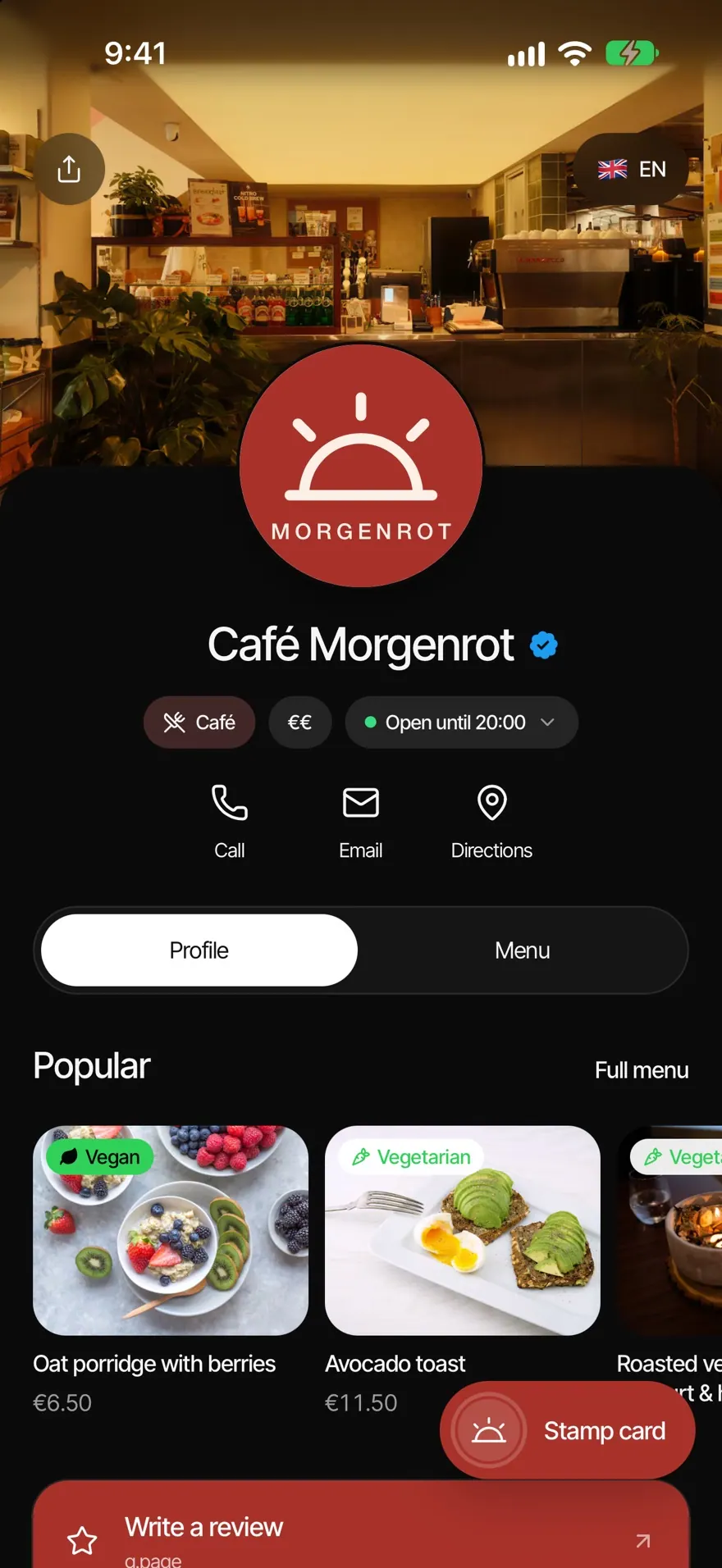
    One tap opens your Smart Page with review, menu, stamp card and booking.

Small thing, big effect.

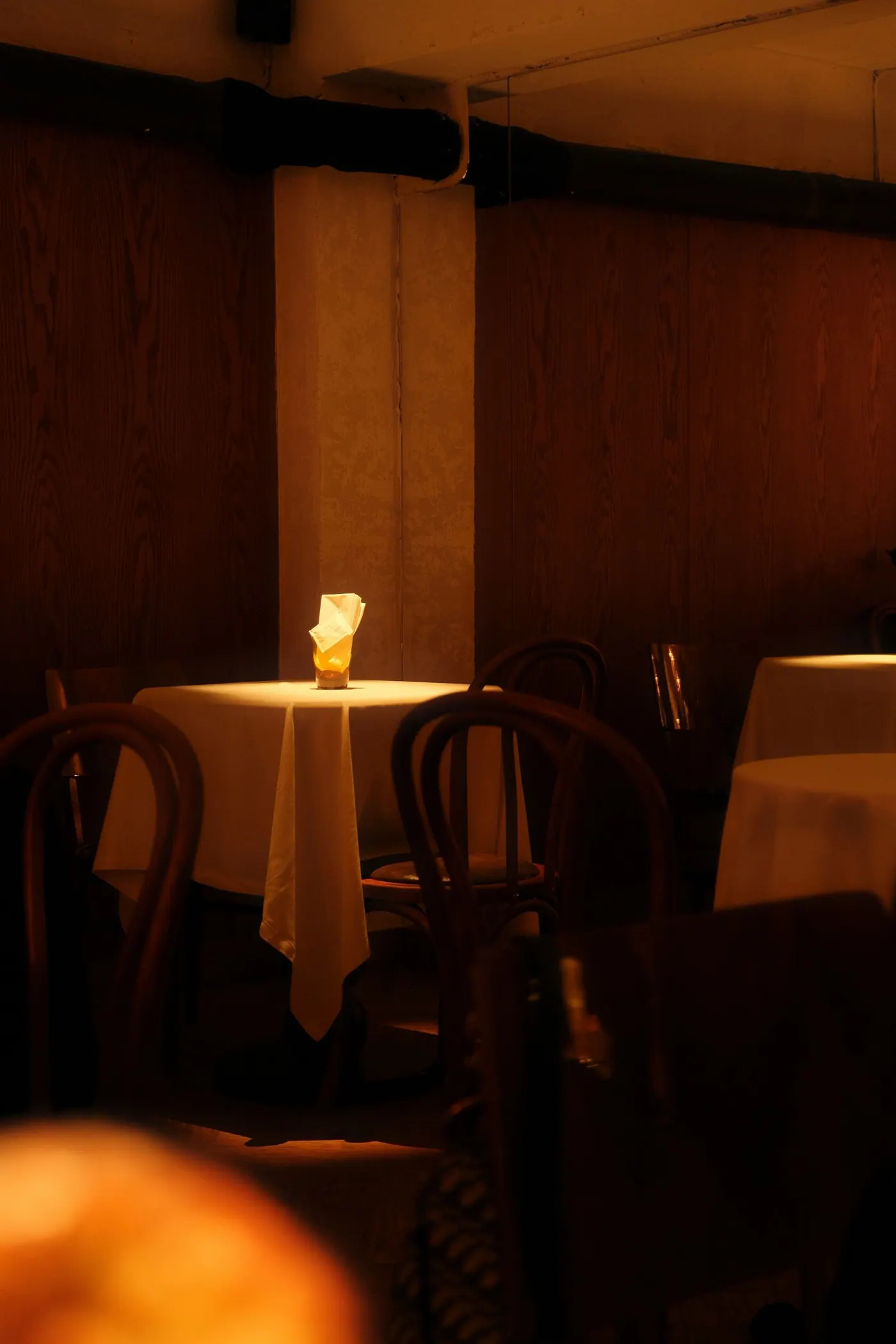
Friends raising a toast in a bar

The shortest way to a Google review.

The link to your Google review sits at the very top of your Smart Page. A happy guest at the table is one more tap away, without searching for your profile.

  • Review link comes first
  • No searching for your profile
  • By NFC or QR code

Tapped, scanned or direct.

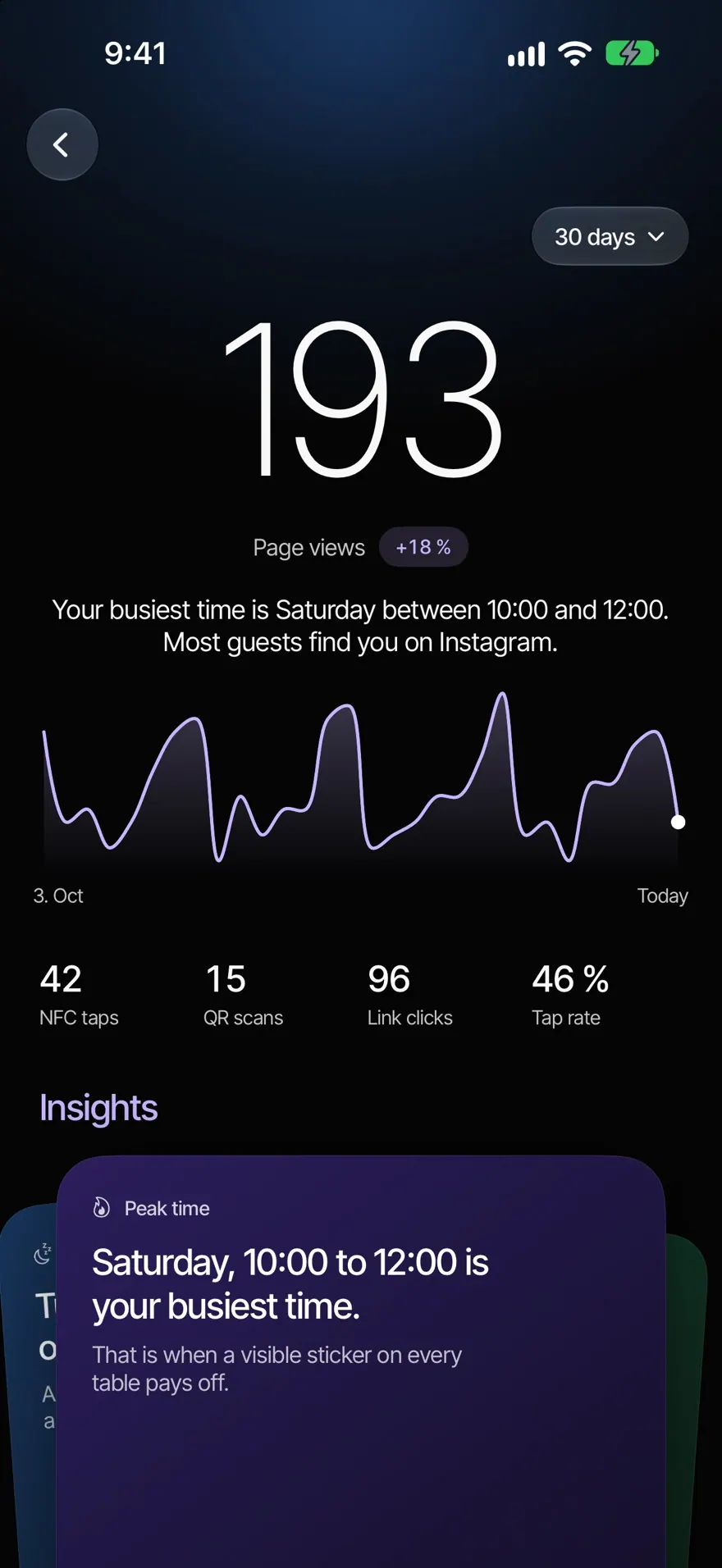
In the app you see how many guests came to your page by NFC, by QR code or directly. So you know which spot works.

  • NFC taps
  • QR scans
  • Direct visits
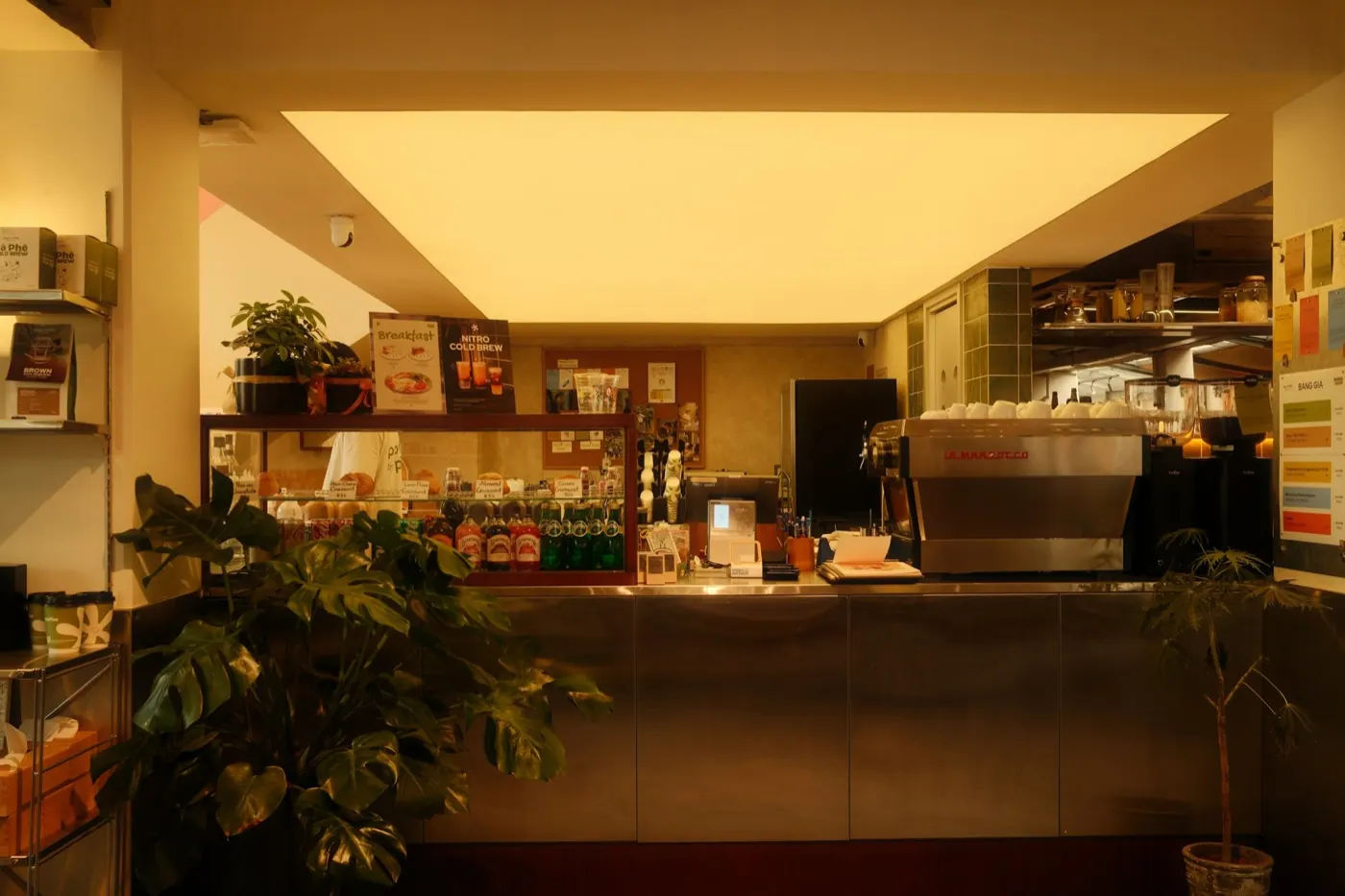
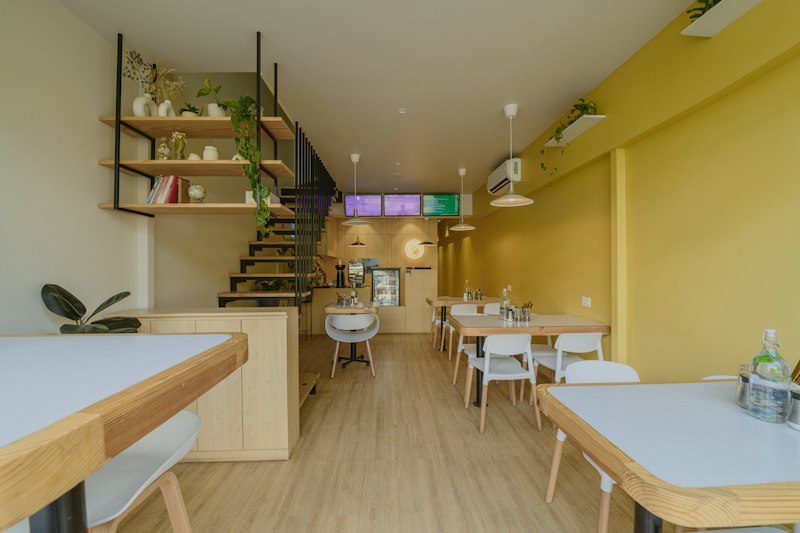
The counter of a café

Fixed to your business.

Every NFC product stays connected to its place for good, so every tap lands in the right spot. In the app you test each product before your guests use it.

  • Connected for good
  • Test it in the app
  • Only the owner connects new products

Questions about NFC.

Your question isn’t here? Write to us, we answer personally.

Write to us
  1. Most current iPhones and Android phones read NFC without an app. For everyone else there’s the QR code.

  2. No. The tap opens your Smart Page right in the browser.

  3. Any time after signing up, in the NFCeez Business app under Products: hold your phone to the sticker or card, and the product belongs to your business.

  4. No. So that every tap lands in the right spot, each product stays connected to its place for good.

  5. A tap is faster than a scan, but not everyone uses NFC. With NFCeez you use both and see in the app which works better for your guests.

Goes well with.

All features

Related.

All articles