

01
No app
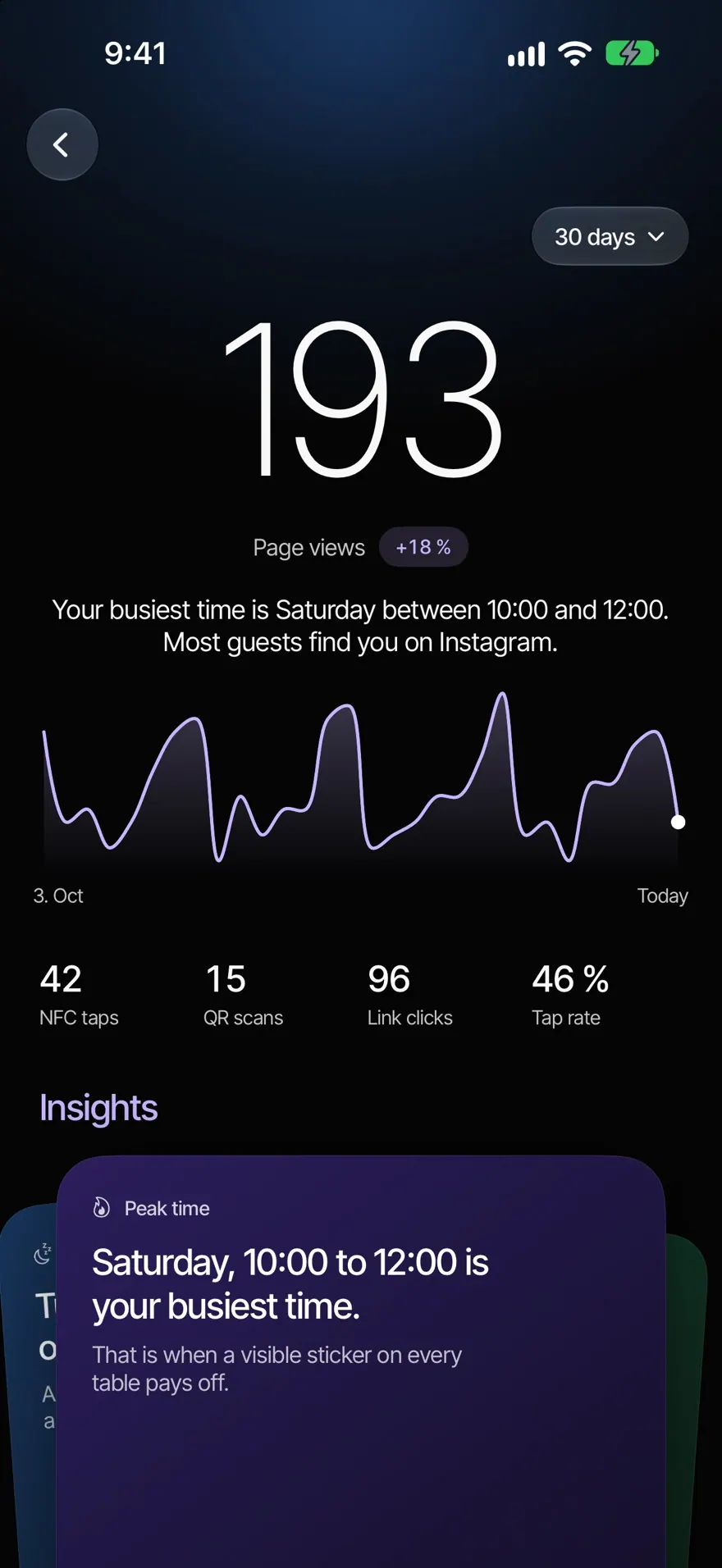
Guests open the menu from an NFC sticker, a QR code or a link.
Guests become regulars.
Take a photo of your menu or upload a PDF. The AI turns it into a digital menu with prices, sizes and allergens, and your guests read it in their language.
Take a photo of your menu or upload a PDF, up to 20 pages. Then three short yes or no questions.
Every page is read twice. If a price is unclear, the AI asks you instead of guessing.
You see the finished menu and confirm the allergens. Only then do your guests see it.
Guests open the menu from an NFC sticker, a QR code or a link.
Every guest reads the menu in their language. Your checked translation comes first.
“vegan”, “without gluten”, “under €10” or “spicy”, in any language.
With their full legal names. No filter ever claims a dish is free of traces.
Labels right on the dish, and an age note on alcohol.
On every dish that has one. Photos made by the AI are marked.
A suggestion on every dish, and a short explanation when a dish isn’t one everybody knows.
Size, extras, dips or flavour, and what to leave out. Nobody has to ask.
About 25 minutes after the list, the menu suggests a coffee or a dessert, once and quietly.
Guests ask in their own words. The answer comes only from your menu.
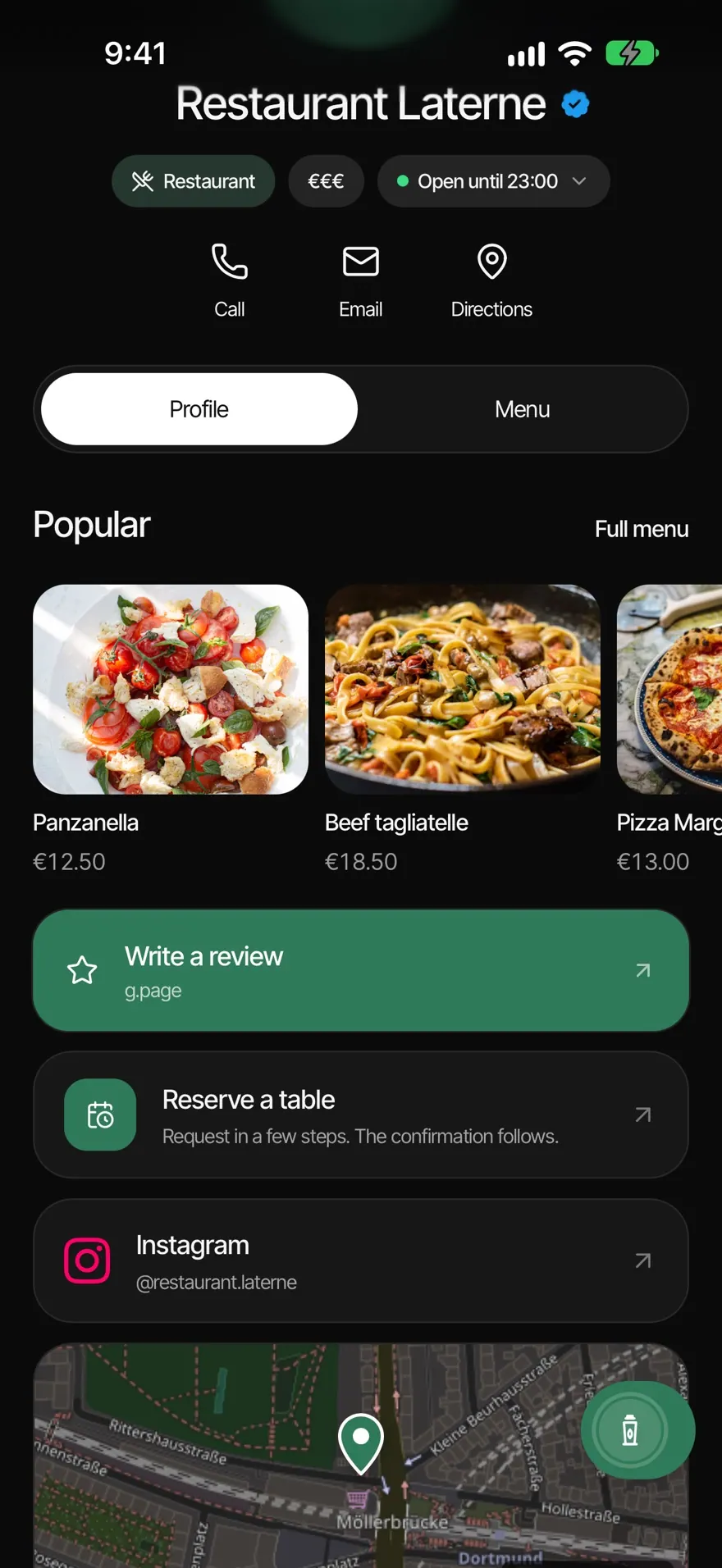
A row with the dishes you want guests to see first.
With their days and times, and visible on the other days too.
Shows straight away, without publishing the menu again.
The menu wears your café’s brand colour.
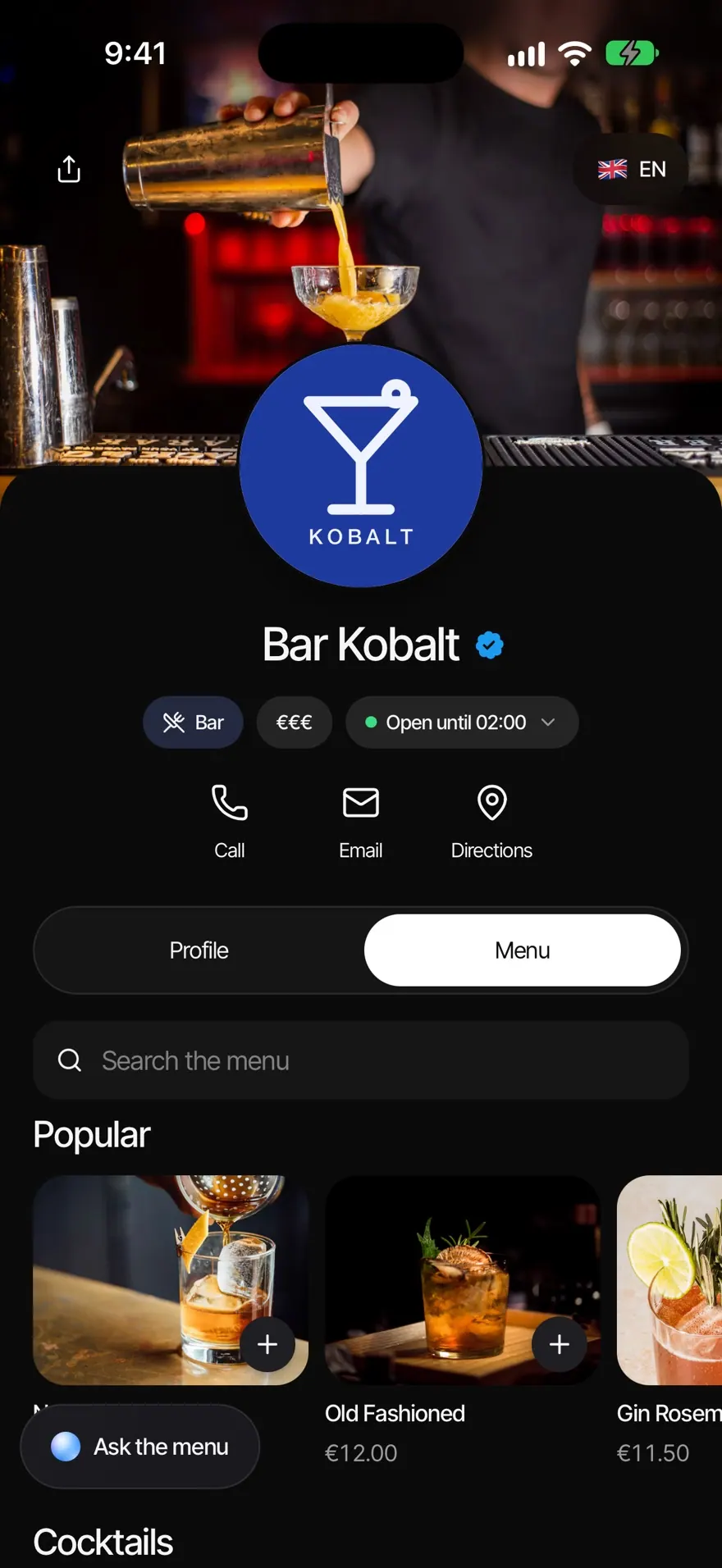
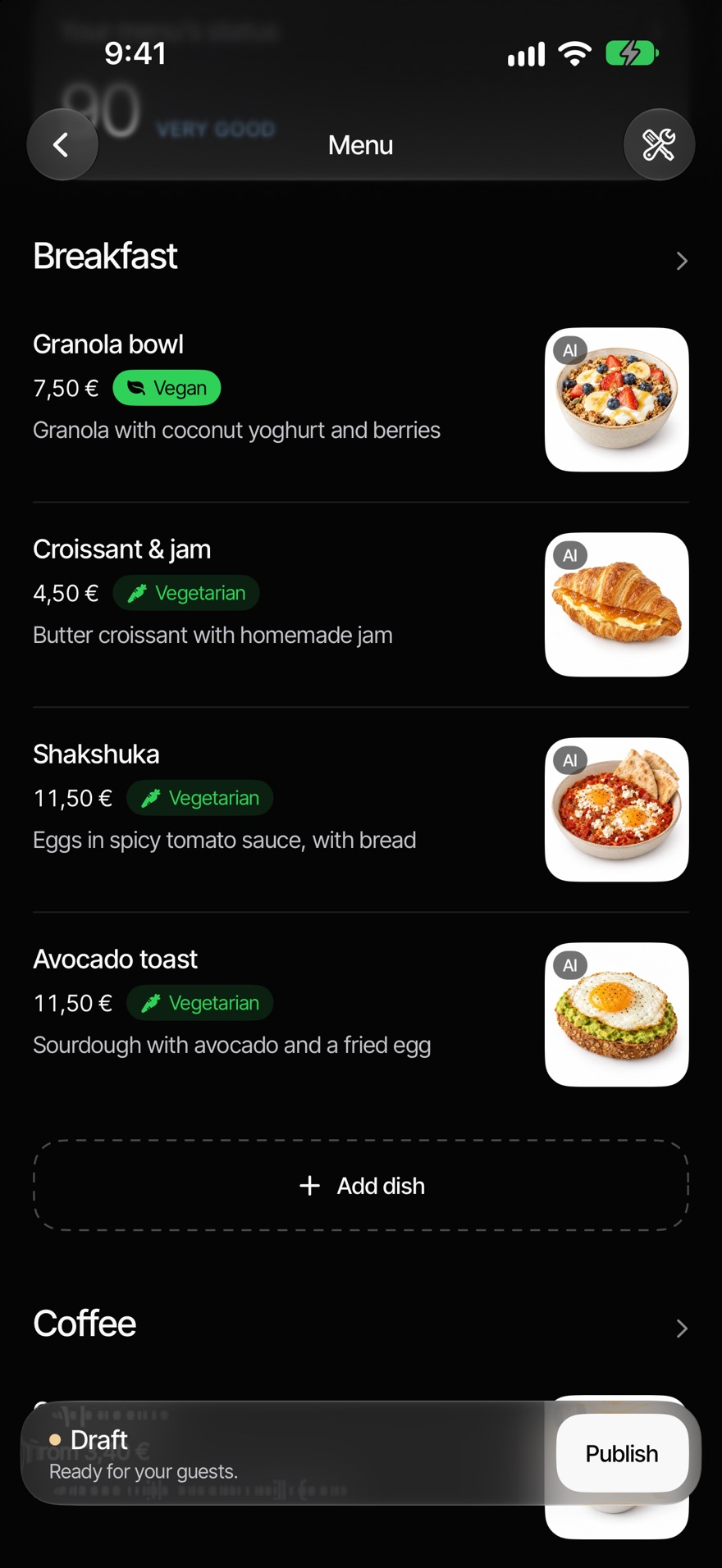
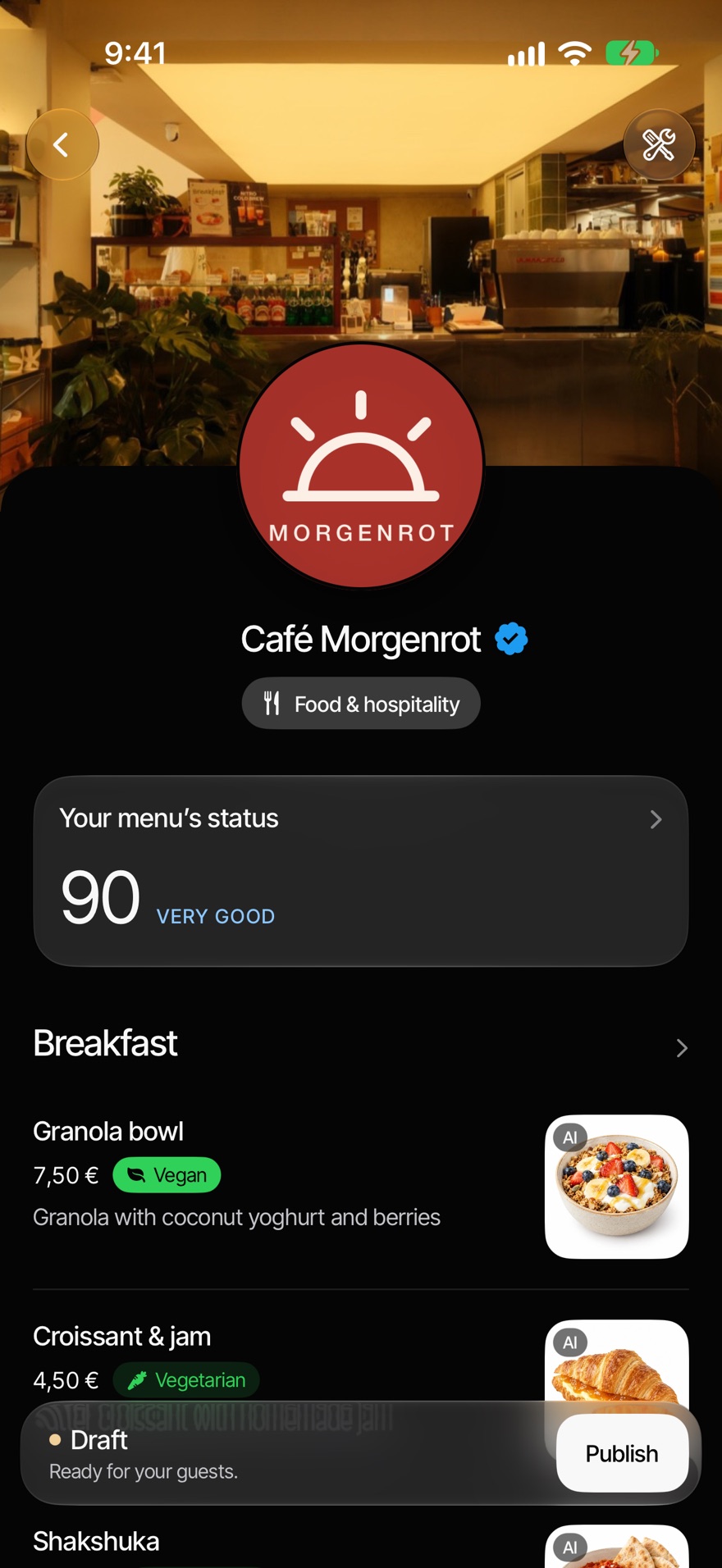
Allergens, vegan and vegetarian, Popular and offers: every detail sits right on the dish. Whatever the AI adds, you check before it appears.
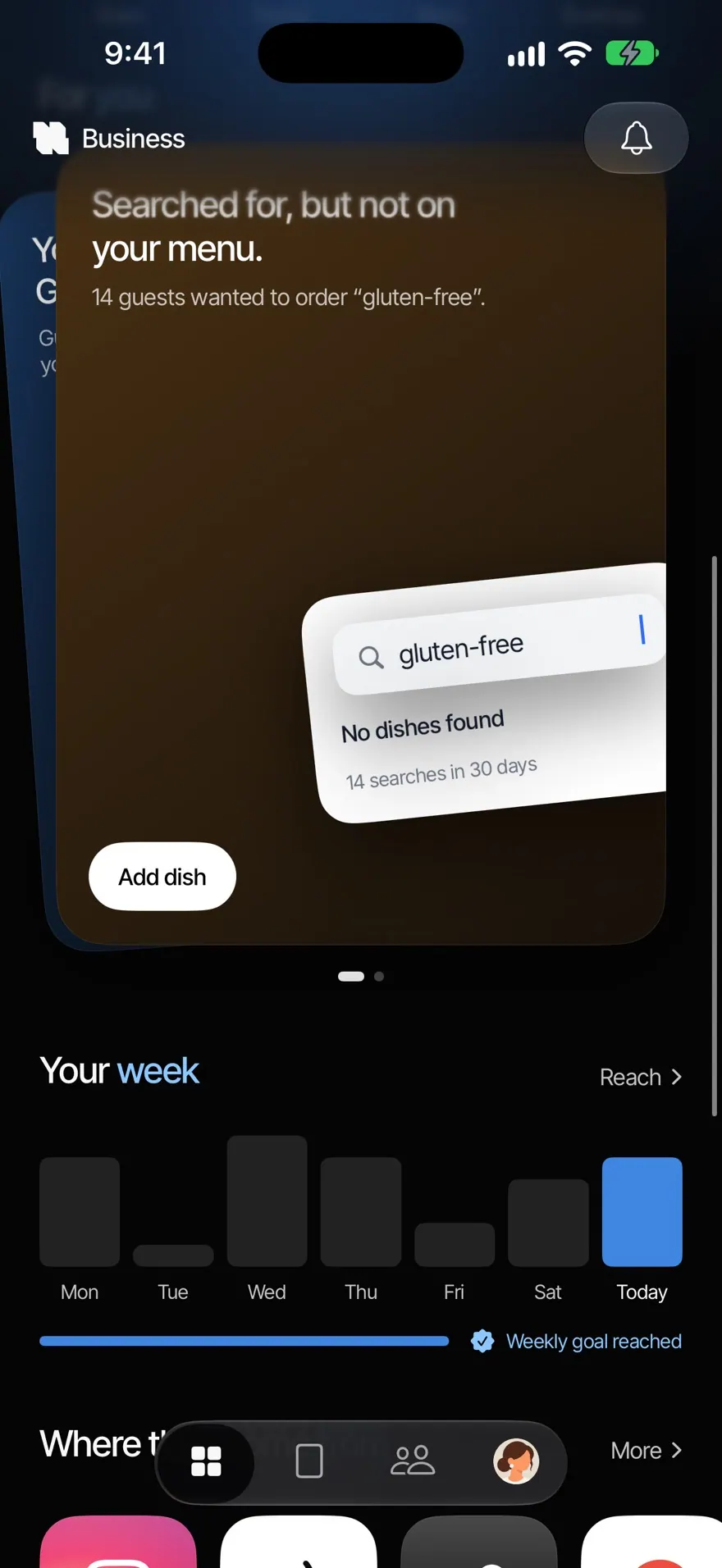
The app shows you which searches in your menu found nothing. For example, how often someone searched for gluten-free.
A price changes, a dish runs out: you adjust it in the app and your guests see it straight away. No reprint, no new PDF.
Every dish can show what goes well with it and a short explanation for anyone who doesn’t know it. Guests ask the menu in their own words and put together a list to show the waiter. It isn’t an order: guests order with your staff and pay at the till.
You build an offer step by step: dishes, price, photo, with ideas from the AI if you want them. If a dish has no photo, the AI can make one and marks it. Your guests open the menu in any of 25 languages, and the AI translates it for them.
Your question isn’t here? Write to us, we answer personally.
Write to usTake photos of your menu in the NFCeez app or upload pictures or a PDF. Answer three questions about descriptions, recommendations and photos, and the AI builds the menu. You look it over and publish it on your Smart Page.
Up to 20 pages, as photos or as a PDF, up to 30 MB in total.
Every page is read twice. If the two readings disagree, the AI looks a third time. If a price is still unclear, it asks you. If a page can’t be read, the app tells you. Always look the menu over before you publish it.
That’s your call. The AI suggests allergens from the ingredients, but only your kitchen knows your recipes. When you publish, you see what came from the AI and confirm it. Whatever it can’t place shows as a note to ask your staff.
25 languages: every official EU language and Turkish. When a guest opens the menu in one of them, the AI translates it. A translation you checked yourself comes first.
No. If you want, the AI makes photos for dishes that have a description, and guests can see a mark saying it’s an AI photo. You can use your own photos at any time.
Through your Smart Page: with an NFC sticker or QR code on the table, or through your link. Guests don’t need an app.
No. The AI menu is part of Revenue+.
No. Guests put together a list and show it to the waiter. They order with your staff and pay at the till. NFCeez takes no payments and is not connected to your till.
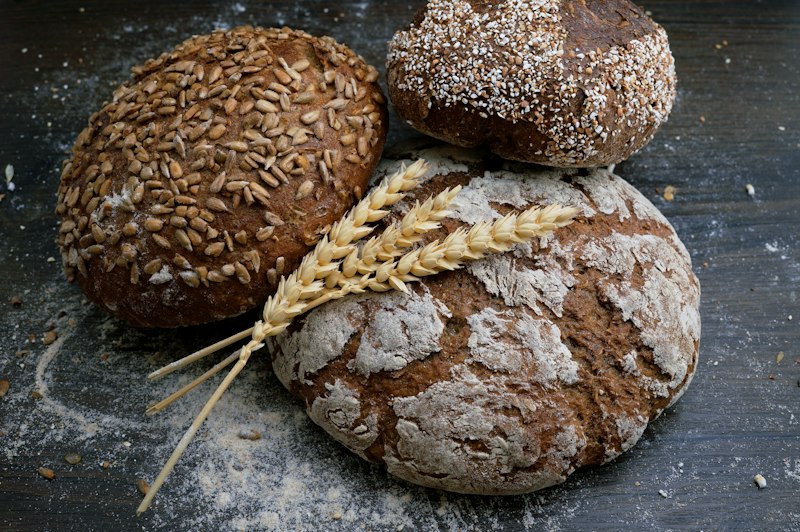
Which 14 allergens count, which routes the law allows, and how to finish your list in one afternoon. German law, with the EU list behind it.
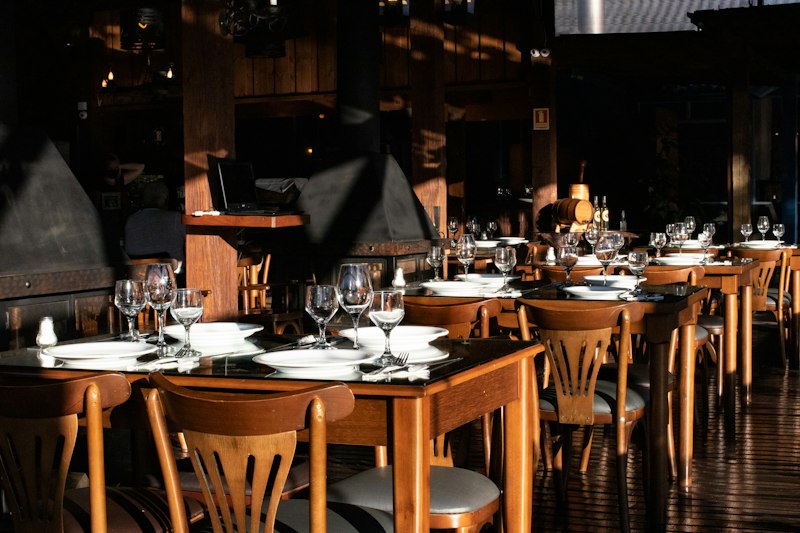
PDF behind a QR code, menu builder or menu from the till: what each one does, what the law requires and what to ask before you print.
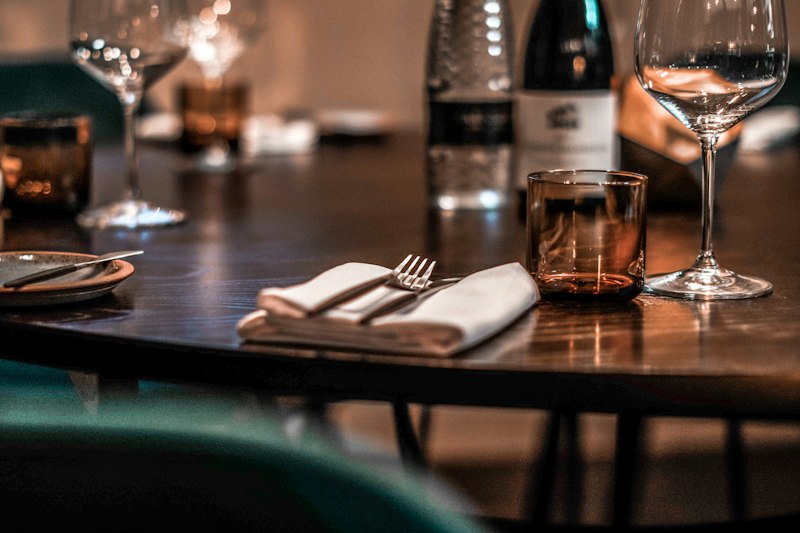
Every required item for hospitality businesses in Germany in one place: prices, additives, drinks and the VAT rates since 2026.