

Business

Guests become regulars.

Requests that reach you.

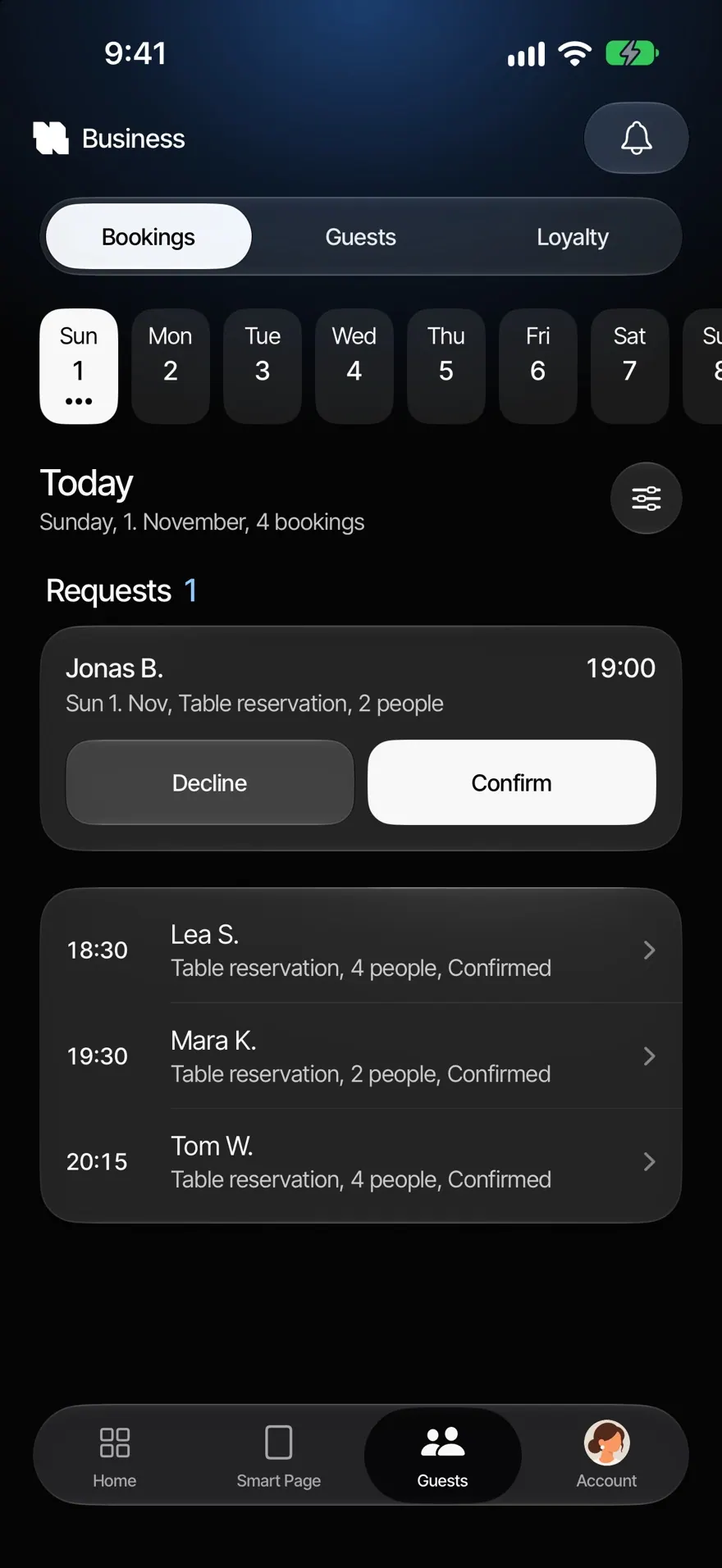
Guests reserve their table right on your Smart Page, with party size and occasion. No phone and no extra tool.

  • TablesGuests choose the day, time and party size.
  • OccasionsBirthday, date, anniversary and more. You choose which ones you offer.
  • Booking numberEvery request gets a six-digit number.
  • Straight to your phoneNew requests appear on your phone right away, even on the lock screen.

How bookings reach you.

  1. 01

    Set your rules

    You set tables, occasions and the first and last reservation time. Every reservation ends by the time you close.

  2. 02

    Guests send a request

    On your Smart Page they choose the day, time, party size and occasion and get a booking number by email. With several branches, they choose the branch first.

  3. 03

    Confirm or decline

    The request appears in the app. One tap, and your guest hears back.

Made for tables.

A couple laughing over dinner in a restaurant

Every occasion gets its table.

Birthday, kids’ birthday, date, anniversary, business meal, celebration, family party or graduation: eight occasions are ready, and you choose which ones your guests see. So you know beforehand what’s being celebrated.

  • Eight occasions, you choose
  • Party size, day and time
  • The branch first, if there are several
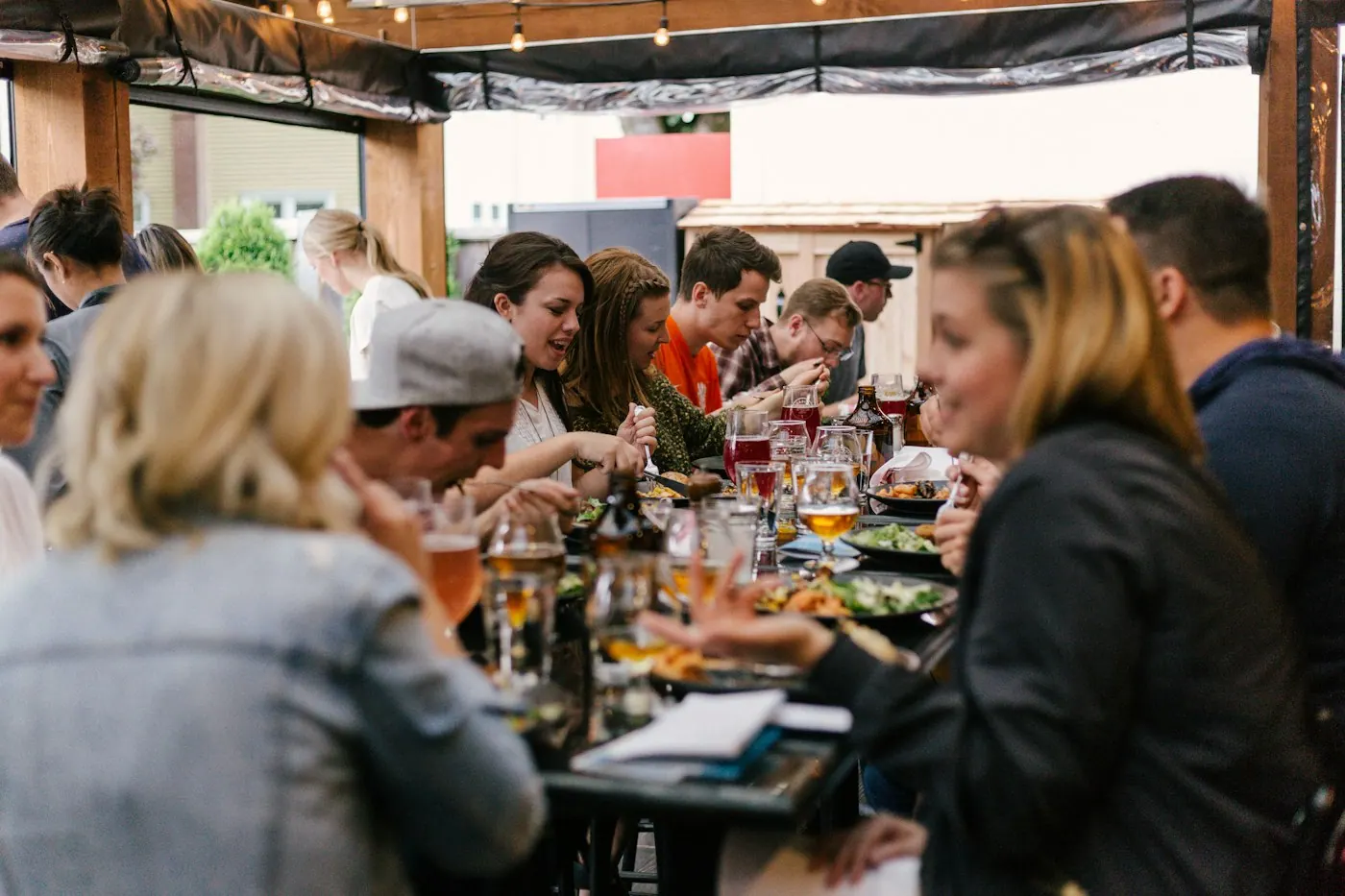
Guests dining in a busy restaurant

Only times that work.

You set the first and the last reservation time, within your opening hours. Every reservation ends by the time you close, and nobody can book on a day you’re closed. Every request gets a six-digit booking number, and your guests get a confirmation by email.

  • First and last reservation time
  • Ends by closing time
  • Booking number and confirmation by email
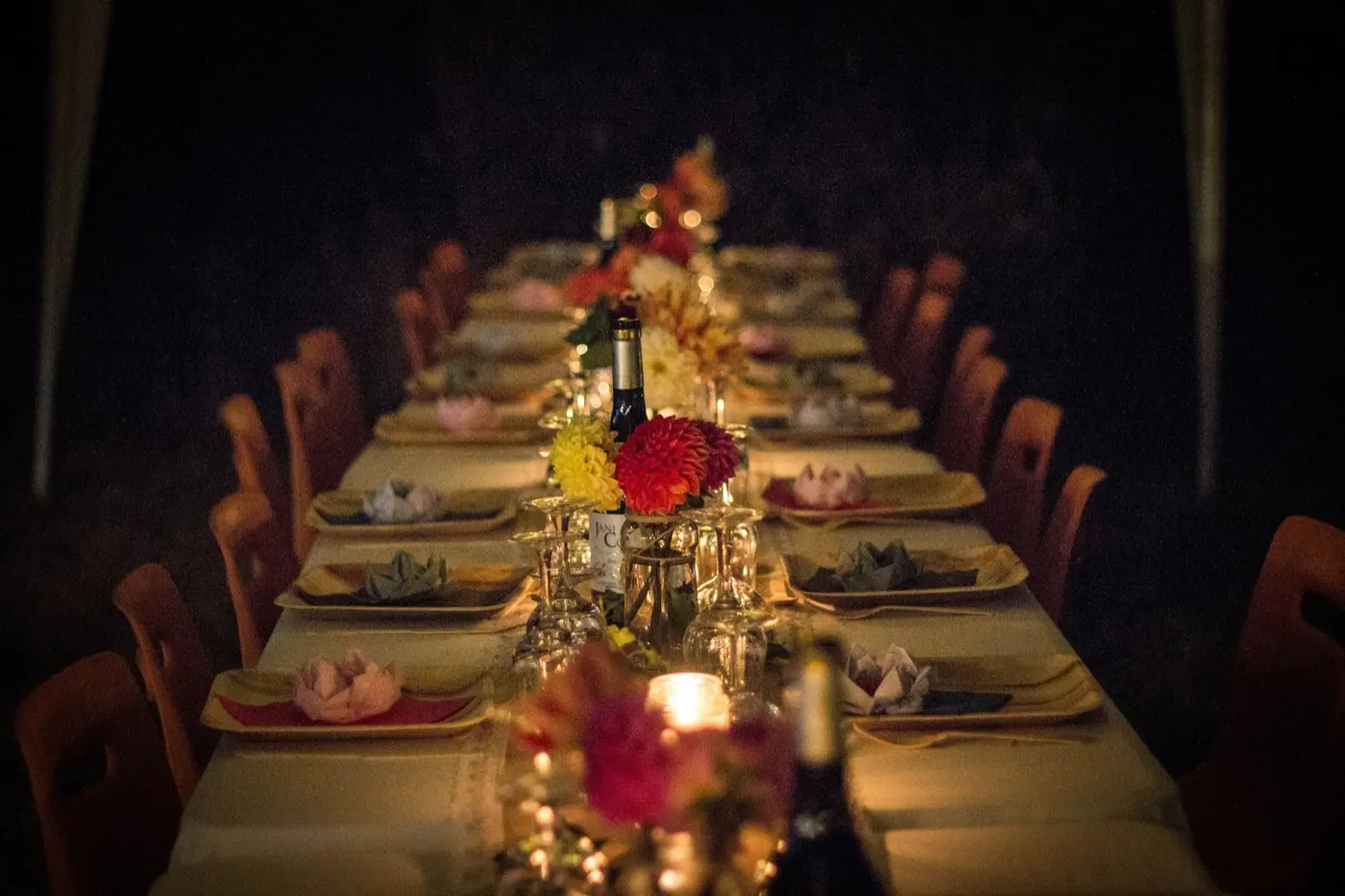
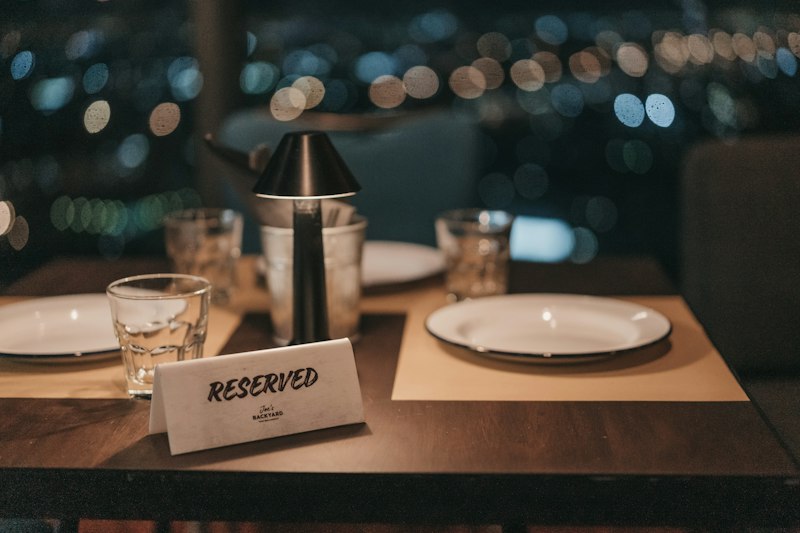
A laid table in a restaurant

On your lock screen.

New requests appear on your phone right away, even on the lock screen, and on iPhone as a Live Activity. Your team has three roles: owner, manager and service. Service sees the day’s bookings on its own shift screen and answers right there.

  • An alert for new requests
  • Live Activity on iPhone
  • Service answers on the shift screen

Questions about bookings.

Your question isn’t here? Write to us, we answer personally.

Write to us
  1. Yes. On your Smart Page they choose the day, time, party size and occasion and send a request you confirm in the app.

  2. You set the first and the last reservation time. Every reservation ends by the time you close.

  3. Yes, by email, with a six-digit booking number.

  4. They appear in the app right away and as an alert on your phone, on iPhone also as a Live Activity.

  5. Bookings are part of Revenue+.

Goes well with.

All features

Related.

All articles