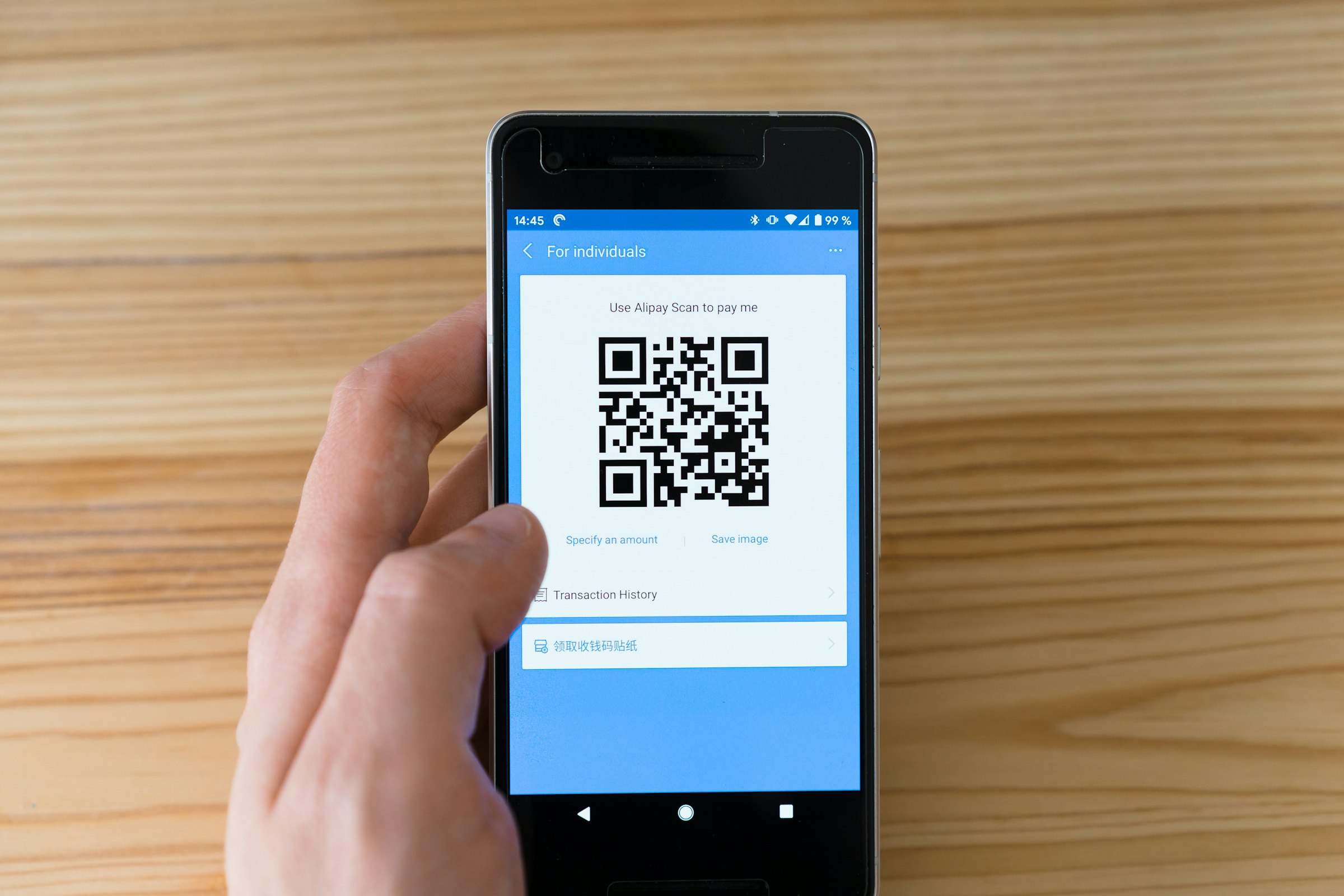
A QR code is just a printed link. What guests think of it depends almost entirely on the page that opens next. Most guides stop at the code, and that’s where the real questions begin: what goes behind it, can the paper menu go, and what happens if someone sticks a fake code over yours?
How do you make a QR code menu step by step?
- Publish the menu at a fixed address. A page whose address never changes, not a file called menu-final-2.pdf. Our guide on creating a digital menu shows how to build it.
- Generate the QR code. It holds exactly that address. Shorter is better, more on that below.
- Print a test. One sheet, not the whole batch.
- Test at the table. Three phones, one of them older, sitting down, in the evening, in your real light.
- Stick the code where phones already land. With a short line next to it, see below.
- Tell your team. Whoever greets a guest should be able to offer the paper menu and the code in one sentence.
Our menu on your phone: open your camera and scan the code. Happy to bring you a paper one too.
Nobody needs an app for this. An iPhone reads QR codes with its normal camera, as do many other current phones.
PDF or a real menu page: what goes behind the code?
Behind the code goes a page built for phones. A PDF works at the start but often makes guests zoom. Here’s how they compare:
| Question | Menu as a web page | |
|---|---|---|
| Reading on a phone | Small, often zooming and dragging | Fits the screen |
| Changing a price | Make and swap a new file | Change the entry, live right away |
| Searching, filtering for vegan | Hardly, on a phone | Possible, depending on the tool |
| Allergens on the dish | Usually footnotes at the end | Possible right on the dish |
| Languages | One file per language | A language switch is possible |
| Effort on day one | Low | Higher, but once |
If you stick with a PDF, link it through a fixed address that you can point at each new file. That way the printed code stays valid.
Can a QR code replace the printed menu?
German law doesn’t say so explicitly, which is why you should plan the code as an addition. Section 13 of the German Price Indication Ordinance (PAngV) says the price list must be posted where it’s easy to read, laid out on the tables or handed to each guest before ordering. A list of the main food and drinks must also hang by the entrance. The rule doesn’t mention QR codes. Neither does the guidance from the Dortmund Chamber of Commerce (IHK), which speaks of price lists laid out on tables in sufficient numbers.
We found no statement from a German authority or court on this question as of November 2026. The consumer protection ministry in Luxembourg is clear about its own law: a QR code doesn’t replace a visible, readable menu at the seat and can only supplement it. That isn’t German law, but it shows how an authority may see it. Outside Germany, check your own national rules.
To stay on the safe side:
- Keep the price list by the entrance even if everything inside is digital. That duty doesn’t depend on the menu at the table.
- Keep printed menus ready and offer them to every guest.
- If you want a QR-only setup, ask your IHK first.
Allergens are clearer: section 4 of the German food information ordinance (LMIDV) allows an electronic service if the information is directly and easily accessible, readable before purchase, and a notice on site explains how to find it. Our guides on allergens and what must be on a menu go further.
Do guests actually want a QR code menu?
Many guests prefer paper, so giving them the choice works better than forcing one. The best number we found is a Technomic survey from May 2022 of 1,000 people in the US: 88% preferred paper menus, across generations. 55% found QR menus hard to read and browse, and 67% thought they were more sanitary. The survey is a few years old, comes from the US and asks about preferences, not what guests actually do at the table.
For you, that means regulars checking today’s specials and travellers wanting the menu in their language are more likely to reach for a phone. Someone settling in for a long evening may prefer a menu in their hands. Offering both costs little and saves you discussions at the table.
How do you print a QR code so it scans reliably?
A code needs a clear margin, a short address and a clean surface. This is what the inventor of the QR code, DENSO WAVE, says:
- Clear margin. Four modules free on all sides, meaning four of the small squares. Nothing may be printed there, no logo or pattern either.
- Short address. More data means more modules. So a short address gives you bigger squares on the same area.
- Error correction. QR codes can recover from dirty or damaged spots, at several levels. For a table with grease and damp, choose a higher level if your generator offers it.
DENSO WAVE gives no fixed minimum size for menus on these pages, and we couldn’t verify the rules of thumb you’ll find online. So rely on the test: print the code in two sizes and scan it sitting down with three phones, one of them older. A dark code on a light background is the usual choice. Test coloured or inverted versions especially carefully.
Check the spot too. Does a lamp reflect on the code? Is it where glasses stand? Does it wear off when you wipe the table? Check all codes once a month. It takes five minutes.
How do you guard against fake QR codes?
Fake QR codes are real: fraudsters stick them over genuine ones, which is known as quishing. Verbraucherzentrale Niedersachsen, a German consumer advice centre, describes covered codes on EV charging stations and fake parking tickets, and tells consumers to check the address and be especially careful when entering payment details. It names no menu cases, but the pattern applies to any sticker the public can reach.
- Print your address legibly next to the code so guests can compare.
- Use an address with your name in it, not an anonymous short link. The consumer centre lists short links that hide their destination as a warning sign.
- During your monthly check, scan every code yourself and see where it lands.
- Never ask for payment details or passwords on the menu page.
What should happen after the scan?
After the scan, the menu should appear right away, with no app, no sign-up and no hurdle. Check these points:
- Speed. Large photos slow it down, especially on a weak signal. Test in the real room, also without Wi-Fi.
- Cookie pop-ups. The code stores nothing, but the page behind it may. In Germany, section 25 TDDDG requires consent for storing or reading information on a device unless it’s strictly necessary. Ask your provider what its page does.
- First look. Guests should see categories right away, not an advert.
- Language. If many guests travel to you, translate the menu and offer a visible language switch.
QR code or NFC sticker?
A QR code gets any guest with a camera to the menu, and an NFC sticker opens it with a tap. Together they’re the most robust setup, and NFC or QR code explains the differences.
How does your menu get behind the code without building a website?
In the NFCeez app you take photos of your menu or upload a PDF, up to 20 pages. After three yes or no questions, the AI reads every page twice and turns it into dishes with prices, sizes and categories. If a price is still unclear, it asks you. Then you look it all over and publish. The menu sits on your Smart Page at nfceez.de, followed by your business name: a fixed address you can print legibly next to the code.
NFCeez's NFC stickers carry the QR code too. You connect each sticker in the app by holding your phone to it. Guests open the menu with no app and no cookie banner, pick one of 25 languages and search for dishes. When a price changes, you update it in the app. When something runs out, you mark it. The printed code stays the same.
The limit: guests still order from your staff and pay at the till, because this isn't an ordering system. You still need the price list by the entrance and printed menus. The digital menu page shows each step.
What do you do today?
Your next step: print a test code on plain paper today, put it on your darkest table and scan it with the oldest phone on your team.
How NFCeez does thisOne fixed address behind the code.The AI turns a photo of your menu into a page built for phones. You change prices in the app, and the printed code stays the same.See how it works- Preisangabenverordnung, § 13 Gaststätten
- LMIDV, § 4
- IHK Dortmund: Preisangaben im Gaststättengewerbe
- Ministère de la Protection des consommateurs Luxembourg: Die Preisangabe im Horeca-Bereich (2023)
- Technomic-Umfrage Mai 2022, berichtet von Restaurant Business
- DENSO WAVE: QR Code version and modules
- DENSO WAVE: QR Code error correction
- DENSO WAVE: How to determine QR Code symbol size and margin
- Verbraucherzentrale Niedersachsen: Betrug mit QR-Codes, Quishing (Stand Februar 2025)
- Apple Support: Scan a QR code with your iPhone camera
- TDDDG, § 25