
Typing is the dullest part of a new menu, and AI can now take most of it off your hands. Adverts promise “done in a minute”. That’s true for reading, not for checking. A wrong price annoys a guest, and a wrong allergen can hurt one. Here’s an honest look at where the line is.
What can AI really do with a menu?
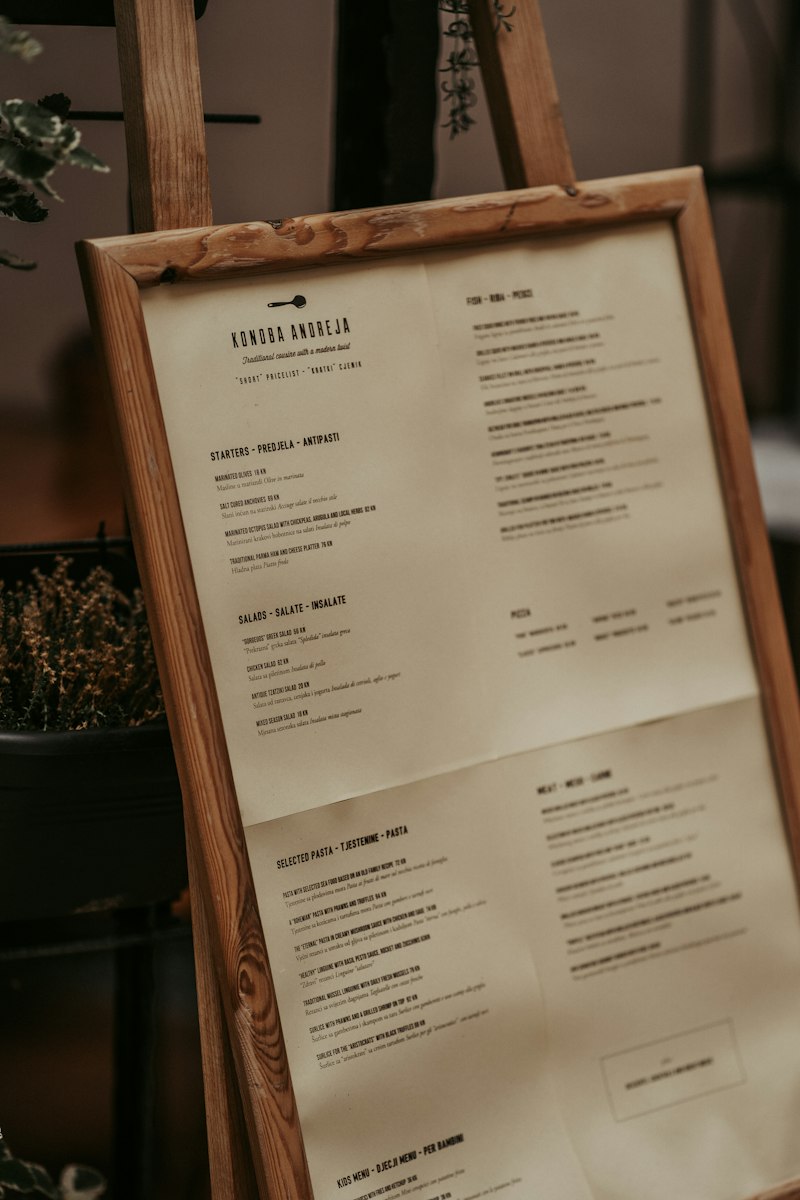
AI is good at reading, sorting and wording, but it can’t know what happens in your kitchen. Current models understand images and text together, so on a photo they usually recognise what’s a dish, a description and a price, and put it into a table.
| Job | How well | What you check |
|---|---|---|
| Reading printed text from a photo or PDF | Usually well, if the image is sharp | Samples, special characters, numbers |
| Sorting dishes into categories | Usually well | Whether it fits your order |
| Matching prices to dishes | Error-prone with columns and several sizes | Every price against the till |
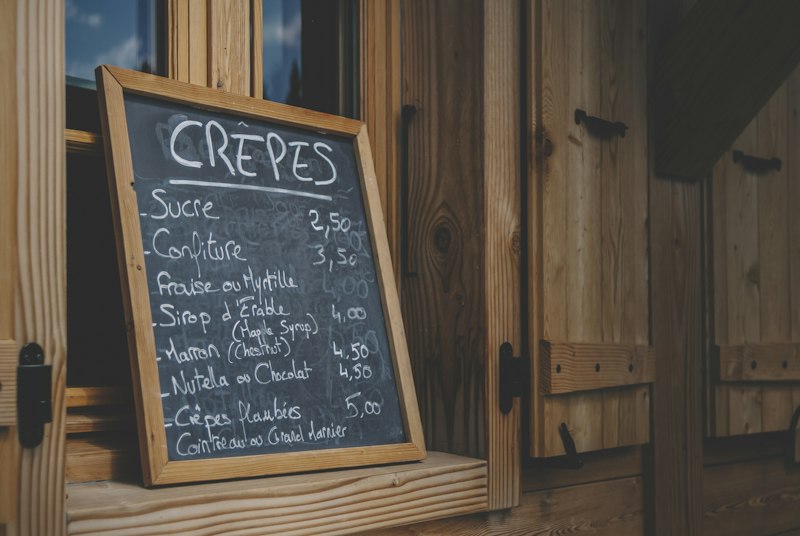
| Handwriting, chalkboards, ornate fonts | Unreliable | All of it, or type it yourself |
| Writing descriptions | Smooth, but likes to invent details | Every ingredient and every claim |
| Suggesting allergens | A guess from the name | All of it, against recipe and supplier |
| Translating | Often good, weak on regional dishes | Samples from native speakers |
These ratings come from the studies below and from how these models work. We didn’t find a large study on menus specifically.
What does research say about reading from images?
Research shows that AI reads the text in tables very well, struggles more with complicated table structure, and sometimes invents something plausible when reading handwriting.
- Tables. A 2025 comparison by researchers at Fraunhofer and Universidade Nova de Lisboa found AI language models far better than traditional text recognition on the text in cells, while traditional computer vision kept a slight edge on table structure. It tested tables from scientific papers, not menus.
- Handwriting. A 2026 benchmark of 13 systems concludes they remain far from faithful transcription, and several models added plausible corrections that weren’t in the image. It’s a preprint and tests text and formulas, not menus.
What this means for you: with handwriting on a chalkboard, AI can turn “8.50” into something that looks sensible and is still wrong. That’s exactly why the mistake slips past a quick read. Google also calls creating a menu from a photo or PDF experimental and warns that blurry or low-contrast photos may not work well.
How do you create a menu with AI step by step?
- Take good photos. Menu flat, from above, in daylight, no shadow from your phone. One photo per page. A PDF is even better if you have one.
- Have it read only. Copy first, add nothing. Descriptions and allergens come later, or what was read gets mixed up with what was invented.
- Compare the counts. Count items per category on the menu and in the table. Missing lines show up at once.
- Check the prices. In pairs: one person reads from the till, the other checks the table.
- Add descriptions. Have AI word them from your real ingredients, never freely.
- Have the kitchen enter allergens. Or confirm an AI suggestion line by line, see below.
- Look at it on a phone. Is the order right? Is everything readable?
Read this menu and create a table with the columns category, name, description, size, price. Copy only what is in the image. Do not add ingredients or allergens. If you cannot read something with certainty, write UNSURE in the cell instead of guessing. At the end, give the number of rows per category.
The instruction won’t prevent every error, but it lowers the risk of an unreadable price being silently filled in. Here’s an example with made-up numbers: Bar Kobalt has 80 items. One minute per item for the price check in pairs is 80 minutes, and that’s time well spent.
Can AI decide the allergens on your menu?
No: AI can suggest allergens, but your business has to decide them, because the responsibility stays with you. Under Article 8(1) of the EU food information regulation (1169/2011), the food business operator is responsible for the information, and an AI suggestion doesn’t change that. In Germany, section 4 LMIDV sets how the information is provided, and our guide to allergens on the menu has the details.
Why this matters: AI only knows the dish’s name. It can’t see the Worcestershire sauce in the marinade, the nuts in your supplier’s pesto or the new bread since last week. A study in the journal Nutrition (2023) fits here: 56 diets built by ChatGPT for hypothetical people with allergies were generally accurate but could be harmful. One nut-free diet included almond milk. It tested a January 2023 version and looked at diet plans, not menus, and today’s models have moved on. The principle stands: AI can be wrong and sound sure of itself.
| Source for allergens | Good enough as evidence? |
|---|---|
| Your recipes and suppliers’ ingredient lists | Yes |
| Head of kitchen confirming dish by dish | Yes |
| AI suggestion from the dish name | Only as a reminder of what to check |
| The old menu the AI read | Only if nothing has changed since |
Decide who confirms, and put their name and the date in your table. When you change a recipe or supplier, check that dish again.
What mistakes does AI make with prices?
Typical price mistakes happen where the number and the dish don’t sit directly side by side. Watch these spots:
- Several sizes. Small and large, 0.3 and 0.5 litres, in columns. AI can swap prices or drop one.
- Similar digits. 3 and 8, 1 and 7, a comma that looks like a full stop.
- Footnotes. Small numbers for additives that end up in a name or a price.
- Add-ons. “Extra cheese 1.50” becomes its own dish or disappears.
- Old prices. Stickered over or corrected by hand. AI may read the old one.
- “From” prices. AI likes to merge sizes into “from €9.50”. The Dortmund Chamber of Commerce lists that as not allowed in Germany, and under section 13 of the Price Indication Ordinance prices must include all surcharges.
What applies to AI text and AI photos?
AI text and AI photos have to show what the guest really gets. Under Article 7 of the EU regulation, food information must not mislead and must be accurate, clear and easy to understand.
- Descriptions. Cross out every word that isn’t true. AI readily writes “homemade”, “local” or “fresh” because they sound good. If it isn’t so, it doesn’t go on the menu.
- Photos. An AI image often shows a plate that doesn’t exist. If you use one at all, keep it to dishes with no photo of their own, mark it as AI, and check that sides and portion are right.
- Translations. The traps are regional dishes and allergens. Our guide to translating your menu covers how to handle them.
- Confidential data. The menu is public, your recipes and purchase prices aren’t. Only upload them once you’ve read the tool’s terms.
Which AI tool suits your menu?
The right tool shows you the result before it goes public and lets you change every line. Before choosing, ask five questions. Can I check everything before guests see it? Is it clear what the AI added? What does it do when it isn’t sure: guess or ask? Can I change a price later in seconds? Can I get my data back out? Our guide on creating a digital menu shows how the finished menu should be built.
What does it look like when reading and checking happen in one app?
In the NFCeez app you take photos of your menu or upload pictures or a PDF, up to 20 pages. You answer three yes or no questions: descriptions, recommendations, photos. Then the AI reads every page twice. If the two readings disagree, it looks a third time, and if a price is still unclear, it asks you instead of guessing. If a page can’t be read, the app tells you. A dish printed in two sizes becomes one dish with two prices.
The AI suggests allergens from the ingredients. When you publish, you see which details came from it and confirm them. Anything it can’t place shows up as a note to ask your staff. Photos made by the AI carry a mark. Until you publish, guests see none of it.
The limit is the same with NFCeez as above: you check prices against the till and allergens against recipes yourself, because even a page read twice can hold a wrong price. The digital menu page shows each step.
Where do you start today?
Your next step: photograph one page of your menu today, have it read and compare every line. Then you’ll know how well AI reads your menu and how much checking to plan for.
How NFCeez does thisThe AI reads, you decide.Every page is read twice, and the AI asks about prices it isn’t sure of. You confirm the allergens before you publish, and only then do guests see the menu.See how it works- Google Business Profile Help: About the menu editor
- Nunes et al. (2025): Benchmarking Table Extraction, Multimodal LLMs vs Traditional OCR, XLLM workshop
- Guo, Zhang, Jiang (2026): OmniHandwritingOCR, arXiv 2608.18586
- Niszczota, Rybicka (2023): The credibility of dietary advice formulated by ChatGPT, Nutrition 112
- News-Medical: Robo-diets, can ChatGPT formulate safe dietary advice?
- Verordnung (EU) Nr. 1169/2011, Art. 7
- Verordnung (EU) Nr. 1169/2011, Art. 8
- Regulation (EU) No 1169/2011, Art. 7 (English wording, UK legislation site)
- Regulation (EU) No 1169/2011, Art. 8 (English wording, UK legislation site)
- LMIDV, § 4
- Preisangabenverordnung, § 13
- IHK Dortmund: Preisangaben im Gaststättengewerbe